

Team dashboards
A leader can decide what a team member’s dashboard looks like when they haven’t chosen for themselves. It’s the difference between handing someone a useful starting point and leaving them to discover the customizer on their own.
How a dashboard is chosen
Section titled “How a dashboard is chosen”Karani falls back in four steps:
- The person’s own saved layout, if they’ve customized one
- A layout a leader built for them personally
- The team’s default layout
- The standard set
Each step wins over the ones below it. That’s what lets you hand a whole team a sensible dashboard, tailor individual ones where it matters, and still let anyone diverge afterwards.
Setting the team default
Section titled “Setting the team default”-
Go to your own dashboard and click Customize.
-
Arrange it the way you want new members to start.
-
Click Set as default for <your team> rather than Save Dashboard.
The team dashboard tells you when no default is set yet, with a link back to your own dashboard to build one.
The default applies to everyone in the team who hasn’t customized their own. Changing it later updates all of them.
Building one person’s dashboard
Section titled “Building one person’s dashboard”-
From the team dashboard, click Dashboard on that person’s row.
-
Arrange it for them.
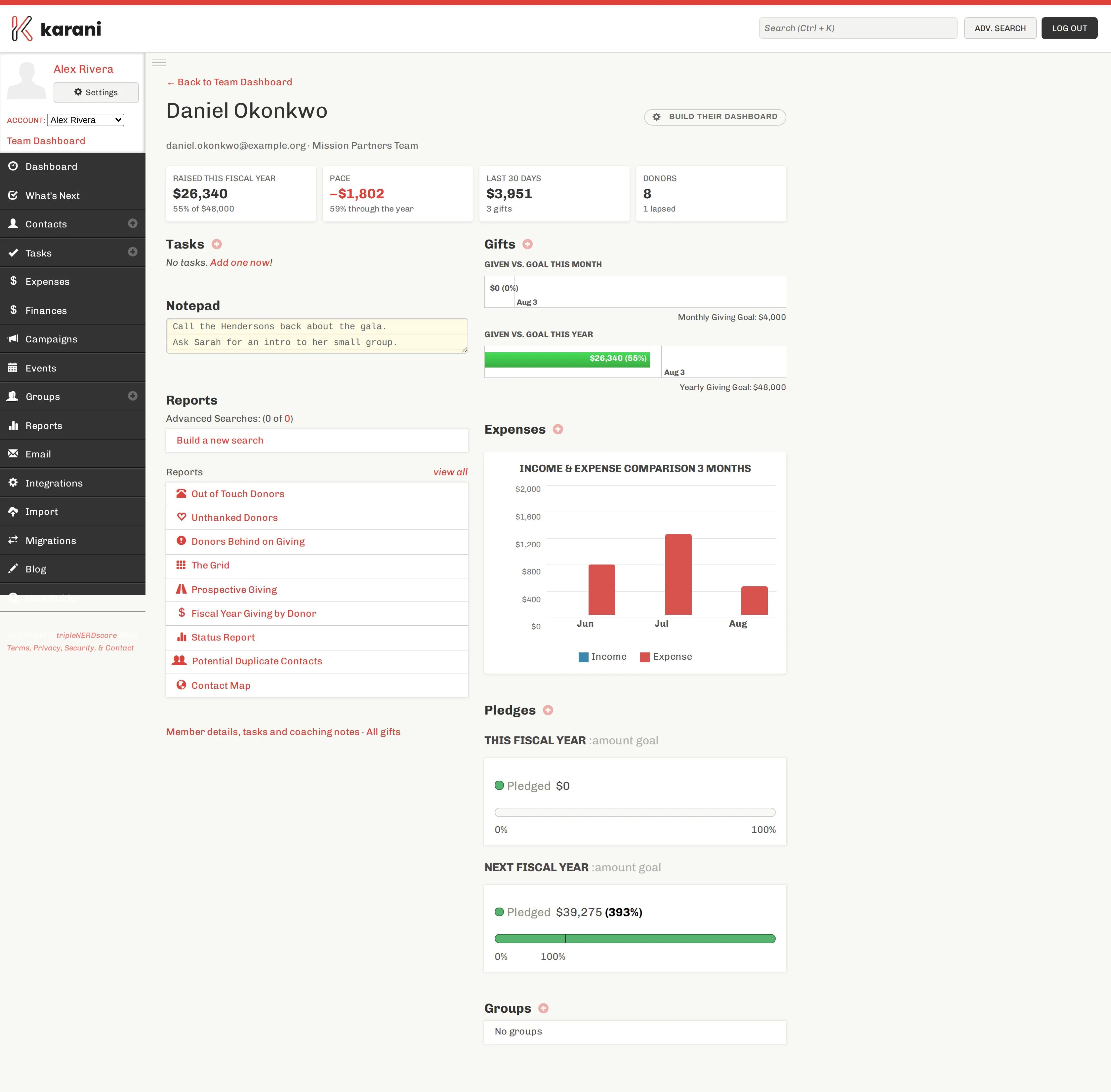
Building a dashboard for one member, with their numbers in view while you do it. -
Click Save Their Dashboard.
The page shows that person’s fundraising summary — raised, pace, donors, lapsed — while you work, so you can build something that fits their actual situation rather than a generic one.
If they’ve already customized their own
Section titled “If they’ve already customized their own”The page says so, and offers to replace it. That’s the one case where your layout overrides theirs, and it’s an explicit choice rather than a silent one.
Worth a conversation first.
Undoing it
Section titled “Undoing it”Clear What I Built removes the layout you assigned. They fall back to the team default, or to the standard set.
Clearing what you built never touches a layout they made for themselves — the two are stored separately.
Who can do this
Section titled “Who can do this”Leaders (owners and admins) can set the team default and build a dashboard for anyone. Supervisors can build dashboards for their assigned members.
Related
Section titled “Related”- Customizing your dashboard — the customizer itself
- Widget reference — every widget, and what each one shows