

Repeating tasks
Some fundraising work is rhythmic: a quarterly check-in with major donors, a monthly newsletter, an annual thank-you call. Repeating tasks let you set the rhythm once and let Karani produce the individual tasks.
Turning them on
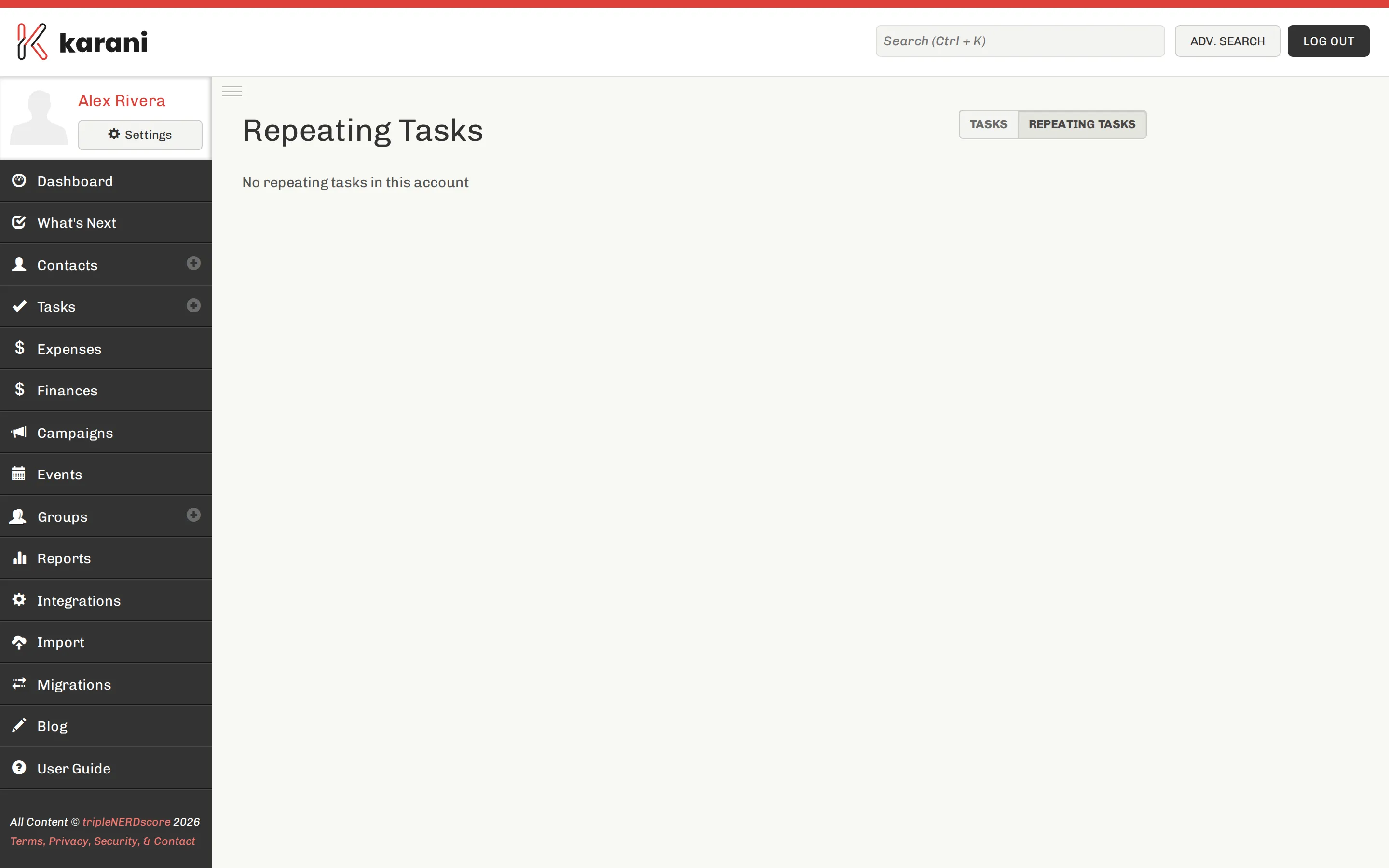
Section titled “Turning them on”Repeating tasks are controlled by a setting. If the Repeating Tasks page is empty or missing, go to Settings → Preferences and switch Repeating tasks on.
Creating one
Section titled “Creating one”From the Repeating Tasks page, create a new rule and set:
- Contact — who it’s about
- Title — what to do
- Type — Call, Email, Meeting, and so on
- Recurrence — how often it should come round
- Start date — when the first one is due
Karani generates task instances from the rule as their dates come up. They land in your Tasks page and on your dashboard like any other task, and completing one logs an interaction on the contact as usual.
Editing a rule
Section titled “Editing a rule”Open the repeating task and change it. Changing the rule affects tasks Karani generates from that point forward; tasks that already exist keep their current dates until you edit them individually.
Stopping one
Section titled “Stopping one”Delete the repeating task rule. Instances that already exist stay in your task list — delete those individually if you don’t want them.