

Webhooks
A webhook tells your system when something happens in Karani. You give Karani a URL and an event; when that event fires, Karani POSTs the data to your URL.
Creating one
Section titled “Creating one”-
Go to karani.co/groups/services/webhooks, or find Webhooks on the Integrations page.
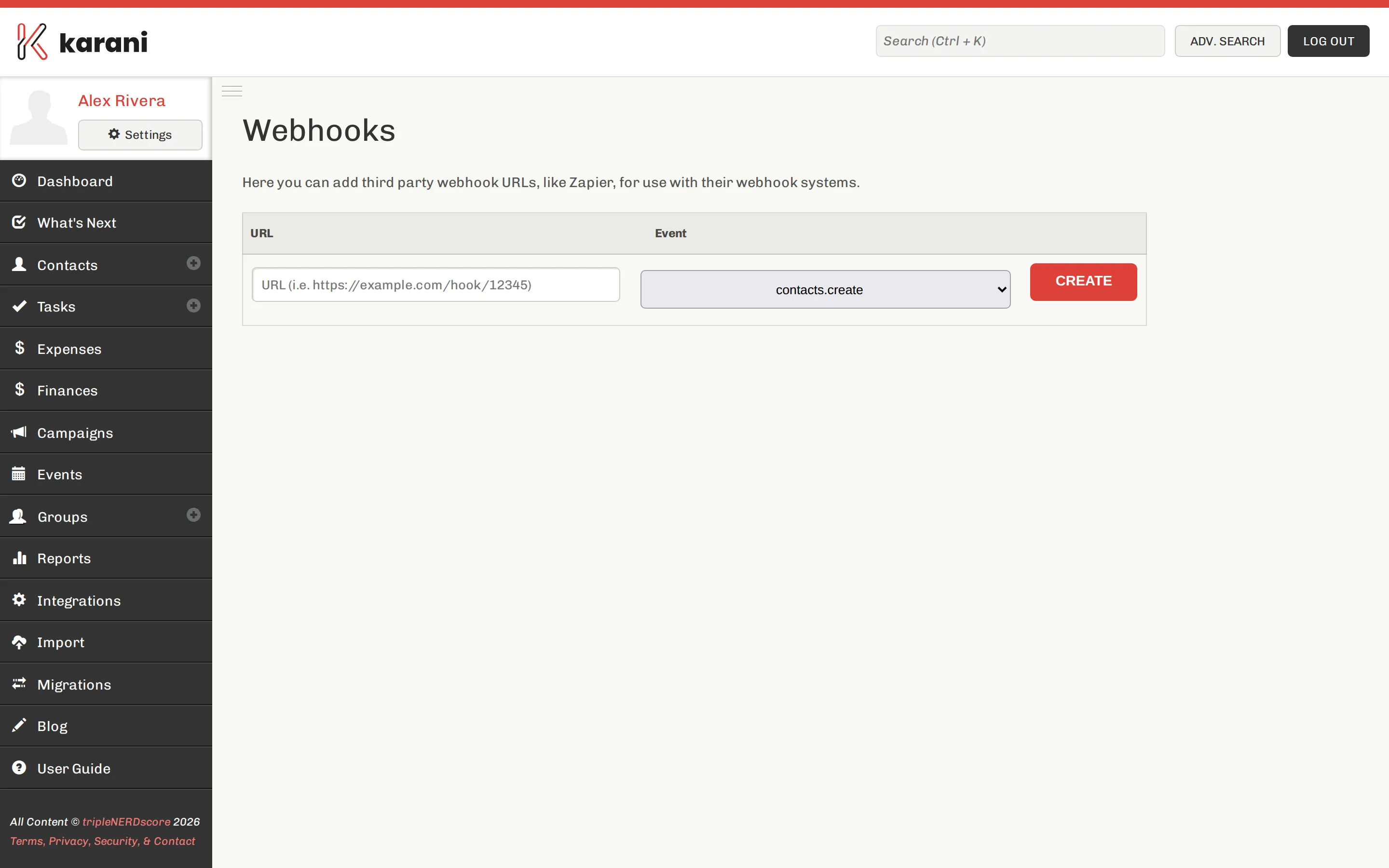
Your webhooks, and the form to add one. -
Add the URL to send to.
-
Choose the event that triggers it.
-
Save.
From then on, Karani watches for that event and posts the record to your URL when it fires.
Events
Section titled “Events”| Event | Fires when |
|---|---|
contacts.create |
A contact is created |
contacts.update |
A contact is updated |
gifts.create |
A gift is created |
gifts.update |
A gift is updated |
pledges.create |
A pledge is created |
pledges.update |
A pledge is updated |
tasks.create |
A task is created |
tasks.update |
A task is updated |
The payload is the affected record.
Using them with Zapier
Section titled “Using them with Zapier”Webhooks are the natural pairing for Zapier — a Karani event becomes a Zap trigger, and from there you can act in any of Zapier’s apps without writing a server.
Common ones:
- New gift → post to a Slack channel
- New contact → append a row to a Google Sheet
- Updated pledge → notify your team
Building your own endpoint
Section titled “Building your own endpoint”A few things worth getting right:
Respond quickly. Return a 2xx immediately and do the work asynchronously.
A slow endpoint is a fragile one.
Be idempotent. Assume you might receive the same event twice. Key off the record ID so a repeat delivery doesn’t create a duplicate.
Expect creates you caused. If your integration writes to Karani via the API, your own writes will fire webhooks back at you. Guard against the loop.
Testing
Section titled “Testing”Point a webhook at a request-inspection service and trigger the event by creating a record in Karani. You’ll see the exact payload, which is faster than inferring it.
Managing and removing
Section titled “Managing and removing”The webhooks page lists what you’ve configured. Remove one to stop delivery.