

Email templates
If you’re writing the same email for the fifth time, make it a template.
Go to Mail → Templates, or karani.co/mail/templates.
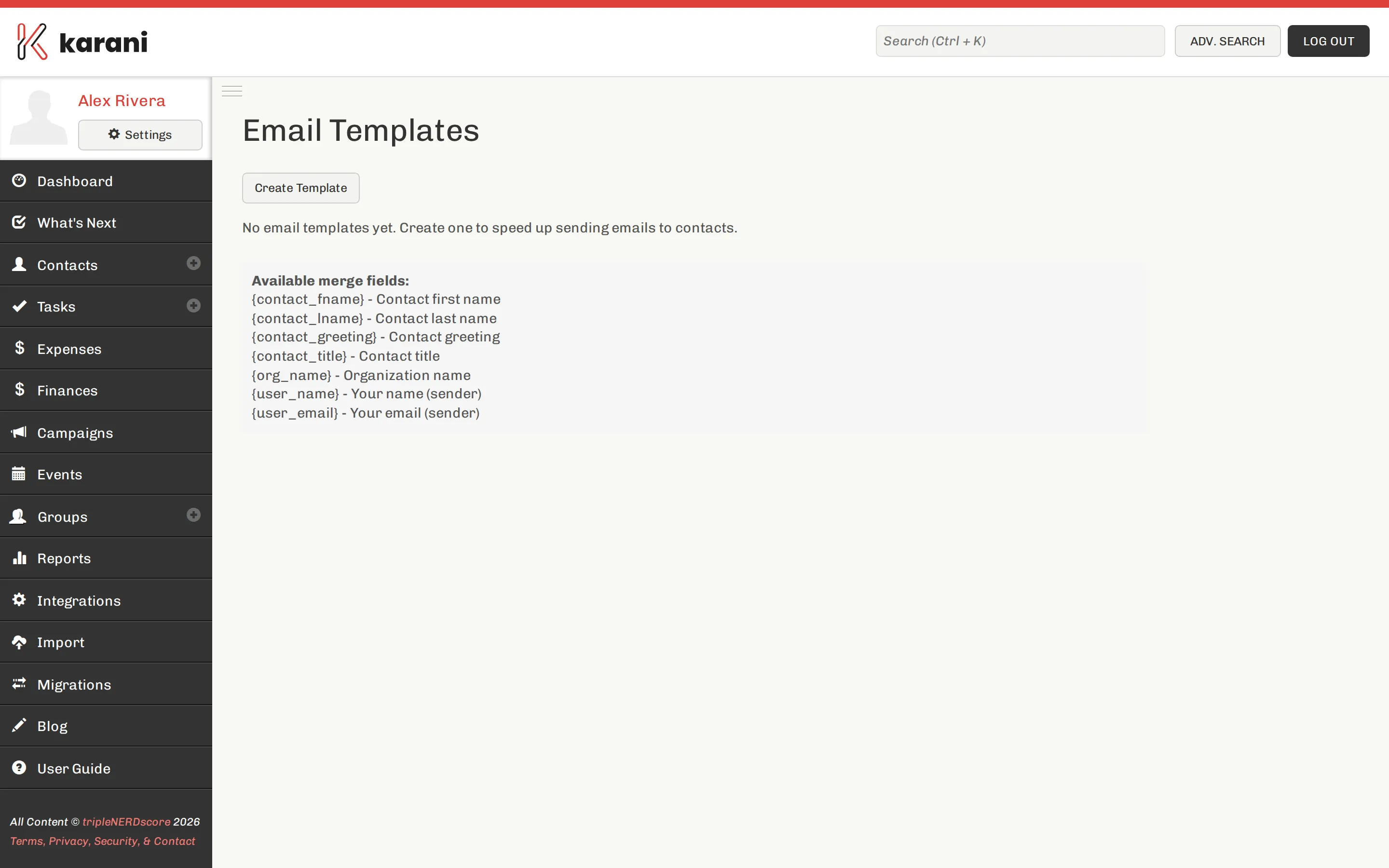
Creating one
Section titled “Creating one”-
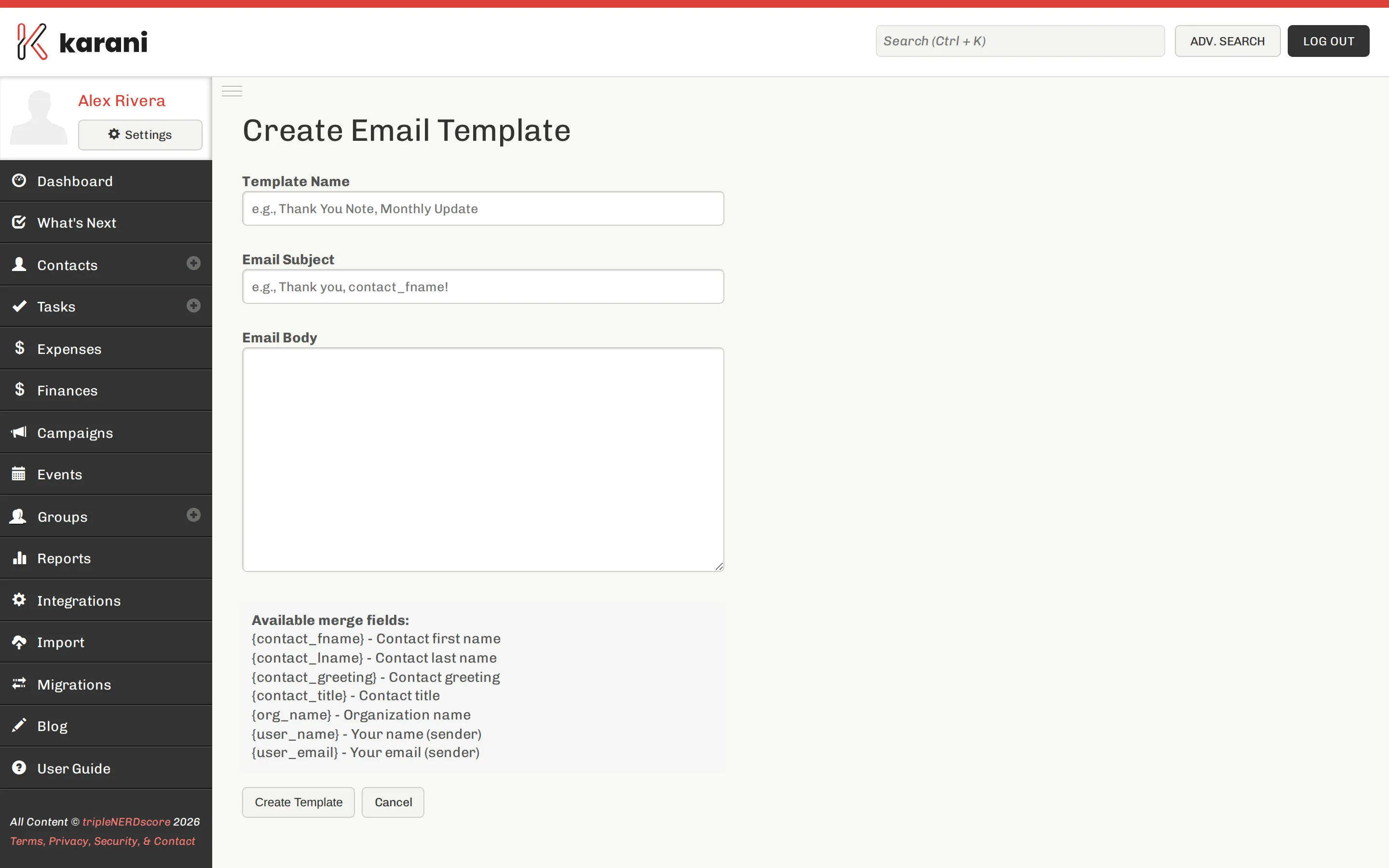
Create a new template.
-
Give it a name you’ll recognise in a dropdown — “Thank you — first gift”, not “Template 3”.
-
Write the subject and body.
-
Save.
Using one
Section titled “Using one”On the compose screen, insert a template. It fills in the subject and body, and you edit from there before sending.
Templates worth having
Section titled “Templates worth having”- Thank you — first gift
- Thank you — recurring gift
- Initial ask — the message you send when you first ask someone
- Follow-up after a meeting
- Reconnecting — for a lapsed donor you haven’t spoken to in a while
- Newsletter sign-up confirmation
- Pledge reminder — for a donor who’s fallen behind
Editing and deleting
Section titled “Editing and deleting”Edit or delete from the templates list. Editing a template doesn’t change any email you’ve already sent.
Keeping them fresh
Section titled “Keeping them fresh”Templates go stale. A thank-you referencing last year’s project is worse than one written from scratch. Review the set once a year, and rewrite anything that mentions a specific time, project, or figure.