

Adding a gift
Where to add one
Section titled “Where to add one”- From a contact’s profile, the + on the Gifts panel.
- From the Finances page, the + on the Gifts panel.
- From the Gifts page.
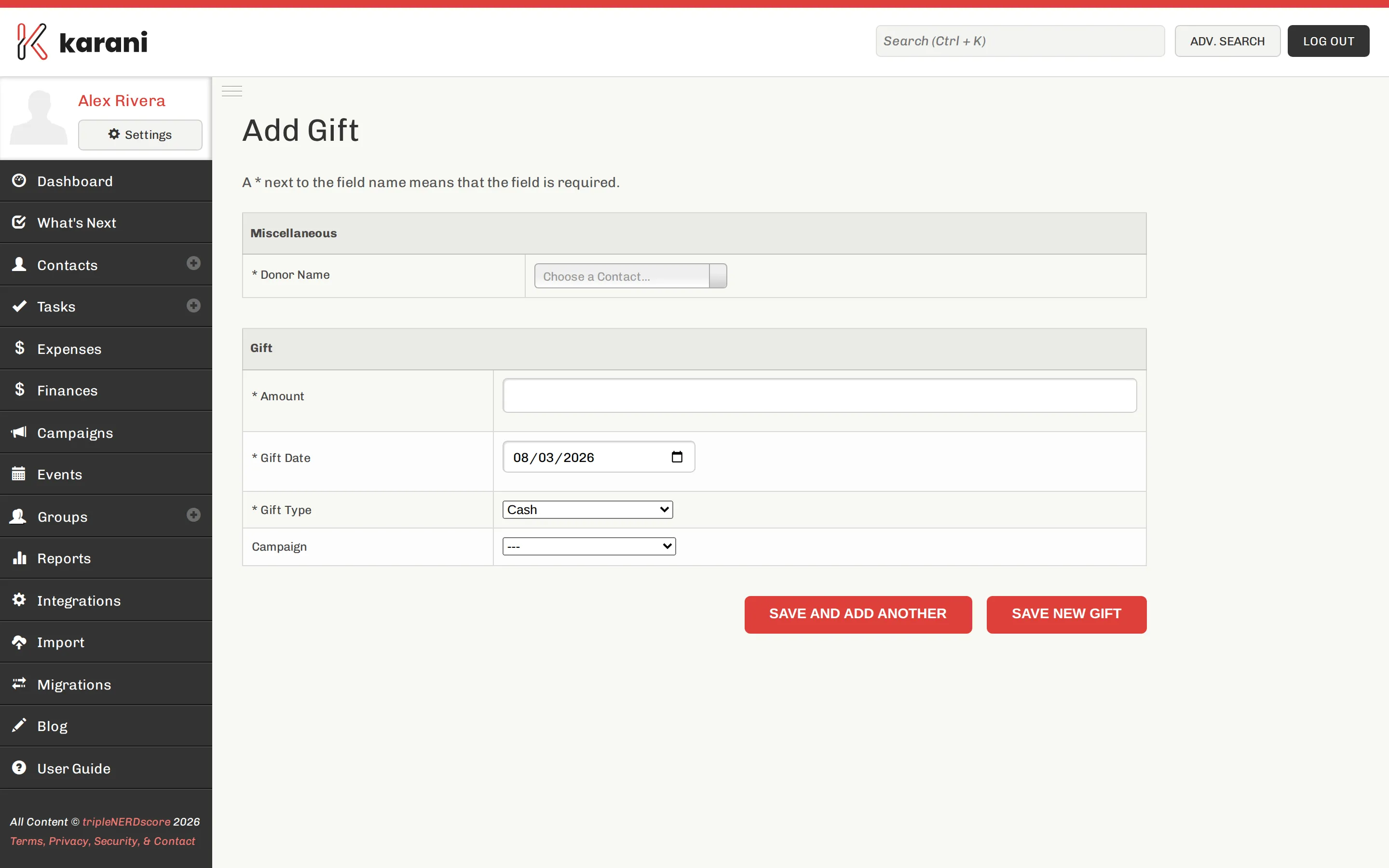
The fields
Section titled “The fields”-
Donor — who gave. Pre-filled if you started from their profile.
-
Amount — no currency symbol needed.
-
Gift date — the date the gift was given, not the date you’re entering it. This matters: gift date is what places the gift in a fiscal year and month.
-
Gift type — Cash, Check, Credit Card, EFT, Online, Matching Gift, and so on. See Gift types.
-
Designation — optional. What the gift is for, if you’re tracking restricted giving.
-
Notes — optional.
Click Save New Gift, or Save and Add Another for a batch.
What happens next
Section titled “What happens next”Adding a gift updates, immediately:
- The contact’s Given vs. Pledged bar and Last gift date
- Your dashboard’s given-vs-goal figures
- Percent funded and Left to raise on the Finances page
- Whether the donor appears in Donors Behind on Giving
- Whether the donor appears in Unthanked Donors — a new gift makes them unthanked until you log a thank you
Anonymous and display-only gifts
Section titled “Anonymous and display-only gifts”- Anonymous — the gift counts toward your totals but the donor isn’t named in outputs.
- Display only — the gift shows on the contact’s record but is excluded from financial totals. Use it for gifts that reached you through another channel and shouldn’t be counted twice.
Editing or deleting a gift
Section titled “Editing or deleting a gift”Click the gift on the contact’s profile or in the Gifts Report. From the gift’s page you can edit it, delete it, email a receipt, or generate a PDF.
Importing gifts
Section titled “Importing gifts”Most people bring giving history in from their organisation’s donation system rather than typing it. See Importing gifts — and read the part about organisation IDs first, because that’s what makes gifts land on the right contact.
Online gifts
Section titled “Online gifts”Gifts made through your Stripe or Paystack giving link arrive in Karani automatically, typed as Online. See Online giving links.