

Bulk tasks & interactions
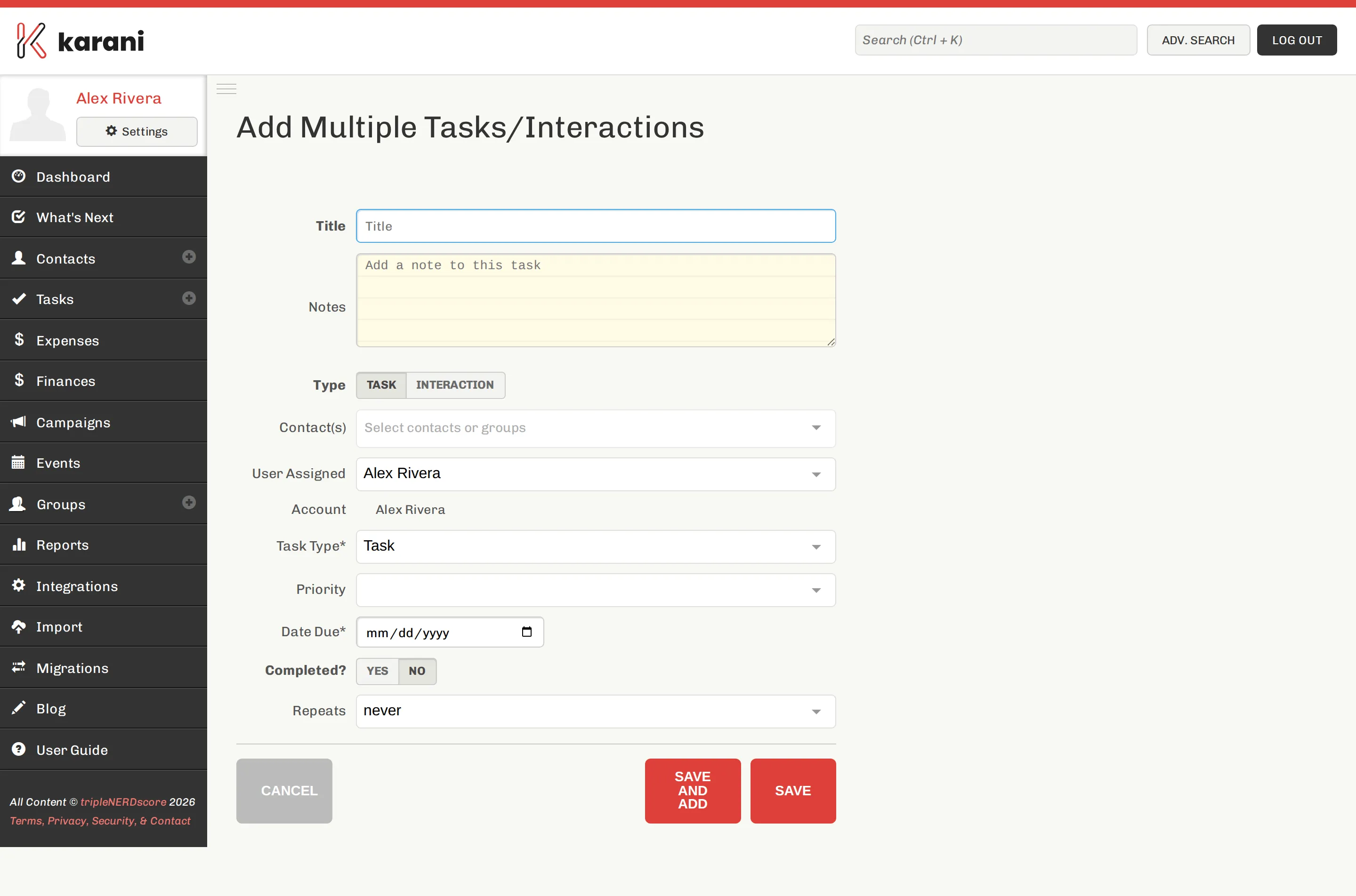
Mailing a newsletter to eighty people is one action, not eighty. This page adds the same task or interaction to as many contacts as you like.
Getting there
Section titled “Getting there”Either:
- Reports → Multiple Tasks/Interactions, or
- the Add task/interaction to multiple contacts link on the Add Task page.
How it works
Section titled “How it works”-
Choose the contacts. Add them individually with the contact picker, or pull in an entire group at once. You can do both — add a group, then add a few extra people.
-
Write the title. “Mailed autumn newsletter”, “Year-end appeal letter sent”.
-
Choose the type — Email, Call, Mail, Meeting, Ask, Thank You, and so on.
-
Set the date — the due date if it’s a task, the date it happened if it’s an interaction.
-
Click Add Interaction (or Add Task).
Karani writes an identical record onto every contact you selected.
Bulk thank-yous
Section titled “Bulk thank-yous”If you’ve thanked a batch of donors — signed a stack of cards, made a round of calls — log it here with type Thank You. That’s what clears them from the Unthanked Donors report.
Undoing a bulk action
Section titled “Undoing a bulk action”There’s no single undo. The records are ordinary tasks and interactions on each contact, so you’d remove them from the individual profiles.
Given that, check the contact list on screen before you submit — especially the count.
The other bulk actions
Section titled “The other bulk actions”For non-task bulk operations — adding people to a group, applying tags, changing status — tick contacts in the contacts list or in advanced search results and use With Selected….