

Thanking donors
Thanking people is the part of fundraising most likely to slip. Karani tracks it explicitly.
How Karani decides someone is unthanked
Section titled “How Karani decides someone is unthanked”A donor appears in Unthanked Donors when they have given a gift and have no interaction of type “Thank You” since that gift.
That’s the whole rule, and it has one important consequence:
The threshold
Section titled “The threshold”Settings → Preferences → Unthanked donors sets how long after a gift a donor counts as unthanked. Default is six months; many people set it to one or three, because the point of the report is to catch things quickly.
See Account preferences.
Thanking one donor
Section titled “Thanking one donor”From their contact profile, use the Type to create a task/interaction box:
- Title: “Thank you card sent”, “Called to say thanks”
- Type: Thank You
- Date: when you did it
That clears them from the report.
Thanking a batch
Section titled “Thanking a batch”If you’ve just signed a stack of cards or made a round of calls, don’t log them one at a time:
- Open Unthanked Donors to see who needs it.
- Do the thanking.
- Use Bulk tasks & interactions to add one Thank You interaction to all of them at once.
Sending a receipt as the thank you
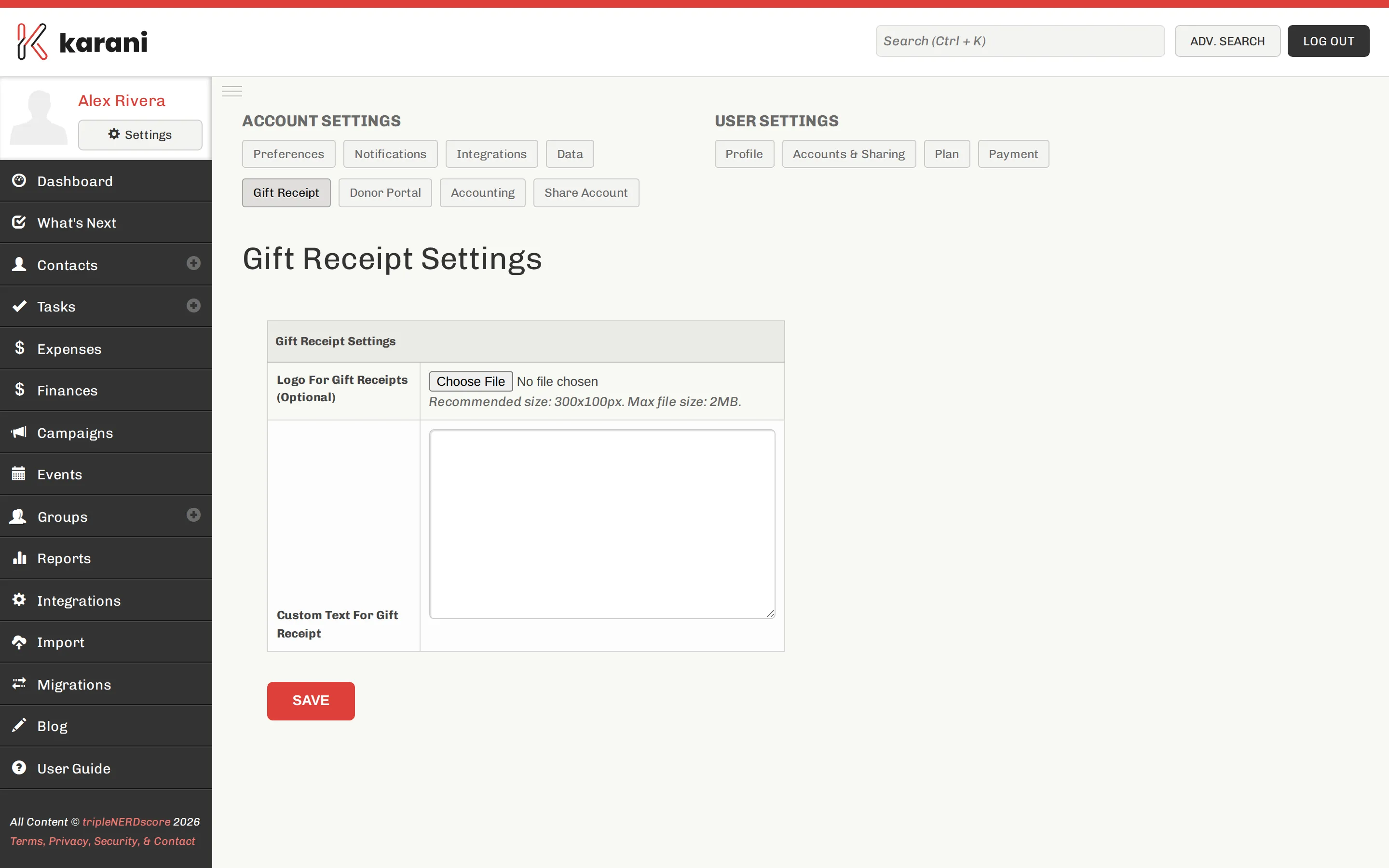
Section titled “Sending a receipt as the thank you”Emailing a gift receipt is a natural thank-you moment. The receipt itself is a separate feature from the interaction log, so if you want the report to reflect it, log a Thank You interaction as well.
Building the habit
Section titled “Building the habit”Two approaches that work:
Weekly sweep. Once a week, open Unthanked Donors, thank everyone on it, log it in bulk. Ten minutes.
A repeating task. Set a repeating task — “Thank this week’s donors, every Friday” — so it appears in your list rather than depending on you remembering.