

Importing expenses
If you already track expenses in a spreadsheet, import them rather than retyping.
Required columns
Section titled “Required columns”All four are required:
- Expense Date
- Expense Category
- Expense Amount
- Expense Type
Plus, optionally, Expense Notes.
Categories and types
Section titled “Categories and types”Expense Type is either expense or income. It decides which side of the income-vs-expense chart the row lands on.
Expense Category should match a category that exists in your account — Travel, Meals & Entertainment, Printing & Postage, and so on. Set your categories up first at Expenses → Categories, then normalise your spreadsheet’s category names to match.
Running the import
Section titled “Running the import”-
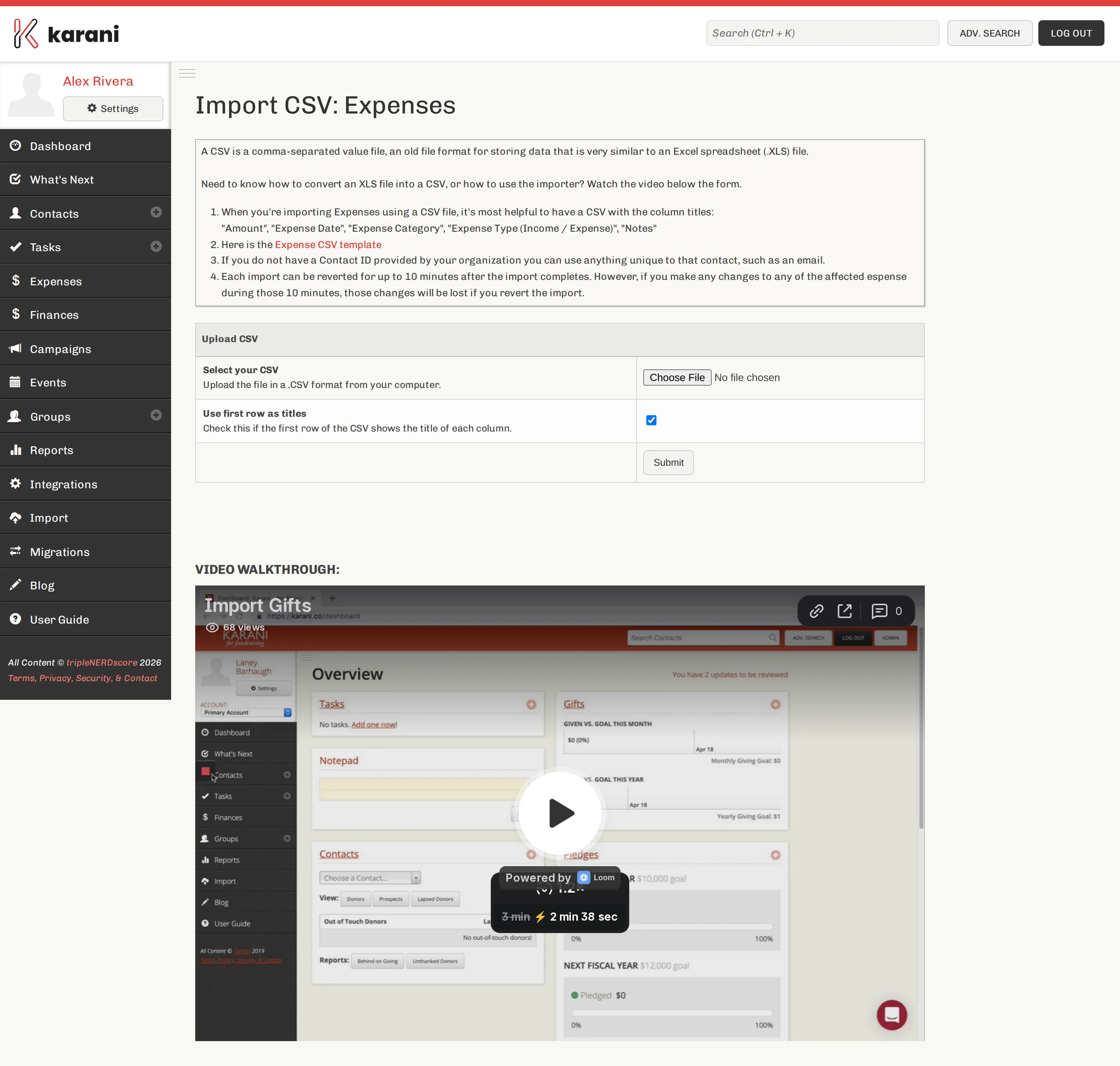
Import → Expenses.
-
Choose your file and Submit.
-
Map the columns.
-
Process CSV.