

Tickets & pricing
An event needs at least one ticket type before anyone can register.
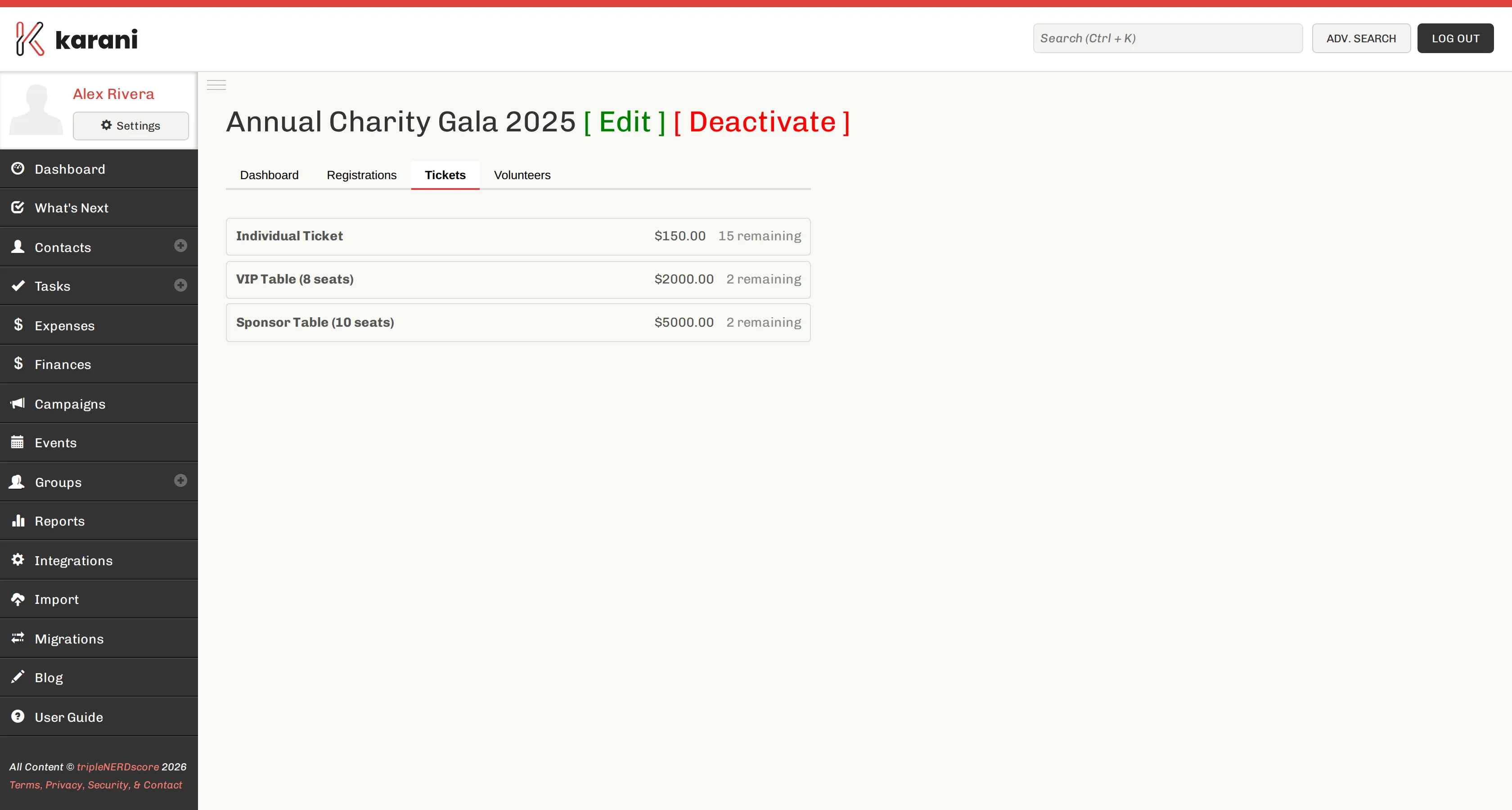
Adding a ticket type
Section titled “Adding a ticket type”Open the event and go to the Tickets tab. For each type, set:
- Name — “General Admission”, “Table of 8”, “Student”, “Sponsor”
- Price
- Quantity available
- Description — optional; shown on the public page
Common structures
Section titled “Common structures”Single ticket. One type, one price. Fine for most dinners.
Tiered. General admission plus a premium tier that includes something extra — preferred seating, a reception, recognition in the programme.
Tables. A “Table of 8” ticket priced at eight seats, for guests bringing a group. Set the quantity to the number of tables you have, not the number of seats.
Sponsorship. A high-priced ticket type that functions as a sponsorship level. It shows up in registrations like any other, which keeps the money and the attendee record together.
Free. A zero-priced ticket. Useful for volunteers, staff, and honoured guests who need a seat counted but shouldn’t be charged.
Editing and removing
Section titled “Editing and removing”Edit a ticket type from the same tab.
Taking payment
Section titled “Taking payment”Ticket payment goes through the payment processor connected to your account — Stripe or Paystack. Connect one before opening registration, or you can only take free registrations.
See Online giving links.
Where ticket revenue shows up
Section titled “Where ticket revenue shows up”- Total revenue on the event dashboard
- The amount column on each registration
- Against the campaign goal, if the event is linked to one