

What's Next
Most fundraising software tells you what you asked it to remember. What’s Next tells you what you should probably do, based on what it can see in your data.
Find it at the top of the left navigation, or at karani.co/reports/whats-next.
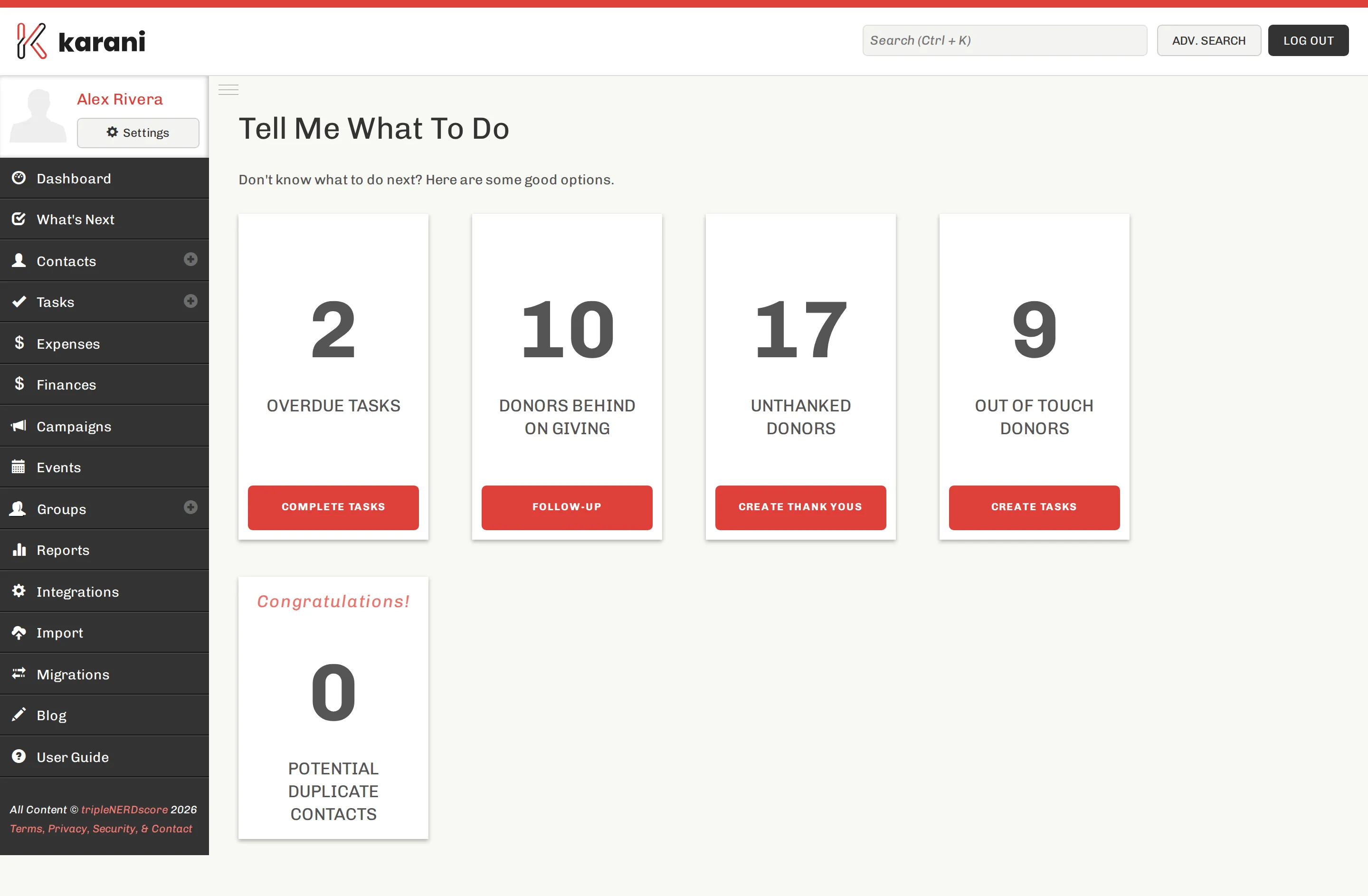
What it looks at
Section titled “What it looks at”What’s Next combines several signals that individually live in separate reports:
- Donors who are behind on their pledge
- Donors who have stopped giving
- Donors you haven’t interacted with recently
- Donors you haven’t thanked for a recent gift
- Prospects with potential recorded but no recent activity
- Upcoming birthdays and anniversaries
Each suggestion comes with its reason, so you can decide whether it’s worth acting on rather than trusting a black box.
How to use it
Section titled “How to use it”Open it when you have time to do fundraising but no specific plan. Work down the list. For each person, either:
- Act now — call, email, write. Then log the interaction.
- Schedule it — create a task for when you will.
- Skip it — if the suggestion doesn’t fit what you know about the person.
Per-contact suggestions
Section titled “Per-contact suggestions”The same intelligence appears on each contact profile in the Next Steps bar — the chevron rating, any classification badge, and a count of suggestions you can expand.
Making it better
Section titled “Making it better”What’s Next is only as good as the data behind it. Three things sharpen it:
- Log your interactions. Without them, Karani can’t tell who you’re already in touch with.
- Record pledges accurately, including start dates. Behind-on-giving depends entirely on this.
- Set potentials on your prospects. A prospect with no potential is invisible to the forecast.