

Importing overview
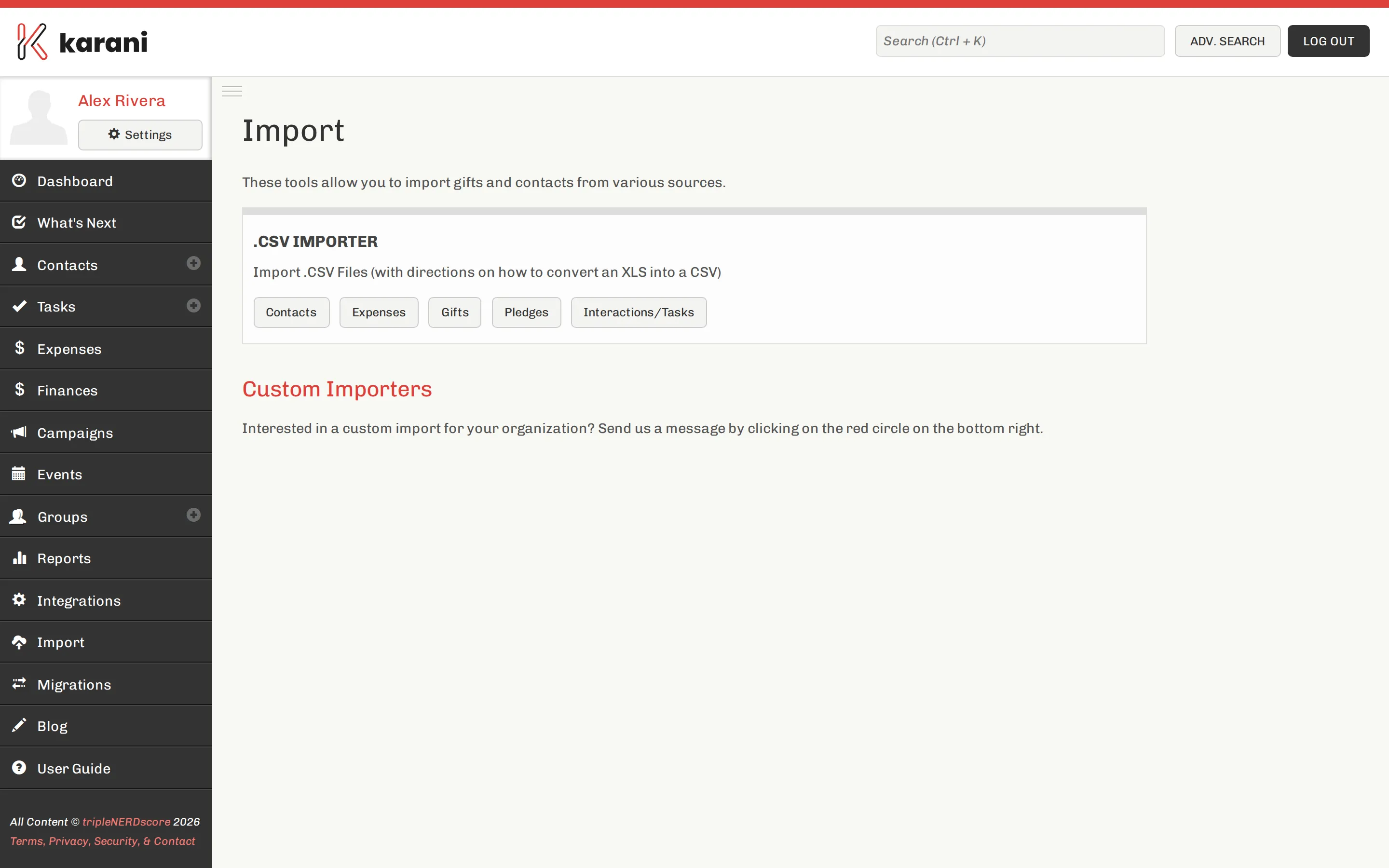
Karani imports five kinds of record from CSV: contacts, gifts, pledges, interactions/tasks, and expenses.
The order
Section titled “The order”This matters. Gifts, pledges, and interactions attach to a contact by organisation ID, so the contact has to exist first.
- Contacts
- Pledges
- Gifts
- Interactions & tasks
- Expenses — independent of the others
How an import works
Section titled “How an import works”Every importer follows the same three steps:
- Upload your CSV.
- Map your columns to Karani fields with a set of dropdowns.
- Process.
The mapping step is where the work is. See Preparing your CSV and the CSV field reference.
The one thing to get right
Section titled “The one thing to get right”Organisation ID.
Karani matches import rows to existing contacts by organisation ID. With it, re-importing updates the contact you already have. Without it, matching falls back to names — and every spelling variation becomes a new contact.
If your organisation doesn’t issue donor IDs, use each contact’s email address. Anything stable and unique works.
Imports can be reverted — for ten minutes
Section titled “Imports can be reverted — for ten minutes”Each import can be reverted for up to 10 minutes after it completes.
After ten minutes, undoing means fixing the data by hand or restoring from an export. Take one before a large import.
Templates and videos
Section titled “Templates and videos”Each importer page links a CSV template for that record type — start from it rather than guessing at column names. Each also has a short video walkthrough below the form.