

Sharing your account
Account sharing lets another Karani user work in your account as if it were their own. It’s built for supervisors overseeing a staff team’s fundraising, and for teams sharing accounts across users.
Sharing your account
Section titled “Sharing your account”-
Go to Settings → Share Account.
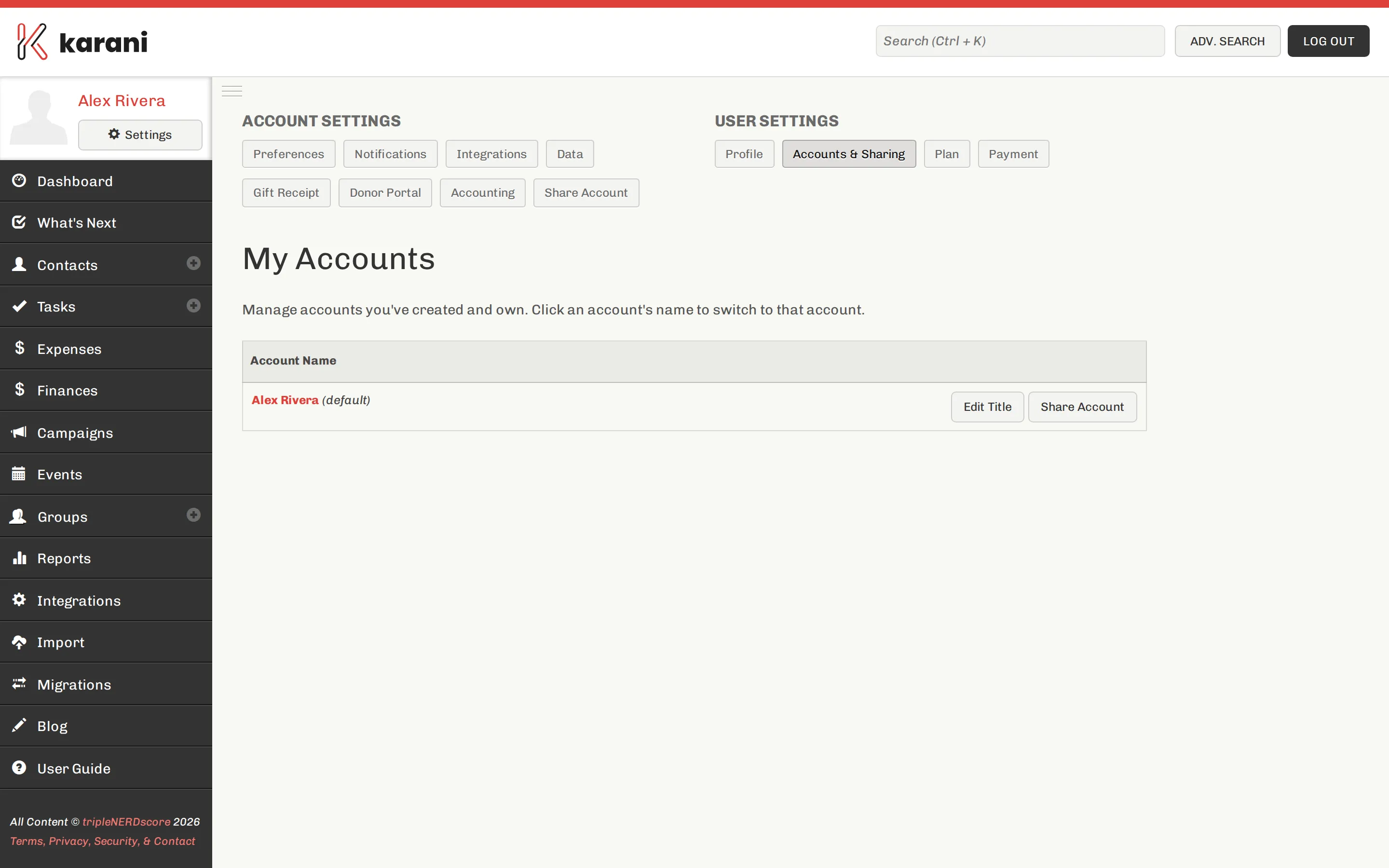
Your accounts, and the ones others have shared with you. -
Click + Account Share.
-
Enter the email address of the person you want to share with. They must already have a Karani account.
-
They receive an email telling them you’ve shared your account.
-
Once they accept, they appear in the list of people you’ve shared with.
What a shared user can do
Section titled “What a shared user can do”Almost everything: view and change contacts, tasks, groups, gifts, pledges, reports, and preferences.
They cannot access your login information, your payment information, or your subscription plan.
Working in a shared account
Section titled “Working in a shared account”Someone who accepts a share signs in as themselves and switches into your account.
Their changes are attributed to them in the Revisions history on each contact, so you can always see who did what.
Removing a share
Section titled “Removing a share”Go to Settings → Share Account, find the person, and click the red Remove button next to their name.
Access ends immediately. Anything they entered stays — it’s your account’s data.
Being shared with
Section titled “Being shared with”Accounts shared with you appear under Settings → Accounts & Sharing. Switch into one from there.
If you supervise several fundraisers, you’ll accumulate a list. Remember that everything you do in a shared account affects the real thing — check which account you’re in before you start editing. The account name is shown in the header.
Sharing vs. being on a team
Section titled “Sharing vs. being on a team”Different things, and the distinction matters:
- A team is a billing and leadership unit. Leaders see the aggregate — raised, goal, pace — for everyone.
- An account share grants one person full working access to your account, including your contacts.
Being someone’s team leader does not give you their contacts. If you need that, they have to share their account with you.
Sharing vs. multiple accounts
Section titled “Sharing vs. multiple accounts”- Sharing — several people, one account.
- Multiple accounts — one person, several funding targets.
They compose: you can share any of your accounts with anyone.