

Migrating from another CRM
Where Karani supports a provider directly, a migration transfers your data without you exporting and re-mapping CSVs.
Find it under Migrations in the left navigation.
Migration vs. import vs. integration
Section titled “Migration vs. import vs. integration”Three different things, easily confused:
| What it does | When | |
|---|---|---|
| Import | Reads a CSV you supply | Any source, one-off or repeated |
| Migration | Pulls your data from a supported CRM | Once, when you move |
| Integration | Keeps two systems in step continuously | Ongoing |
A migration is a one-time move. An integration is a standing relationship. If you’re leaving a system, migrate; if you’re keeping both, integrate.
Supported providers
Section titled “Supported providers”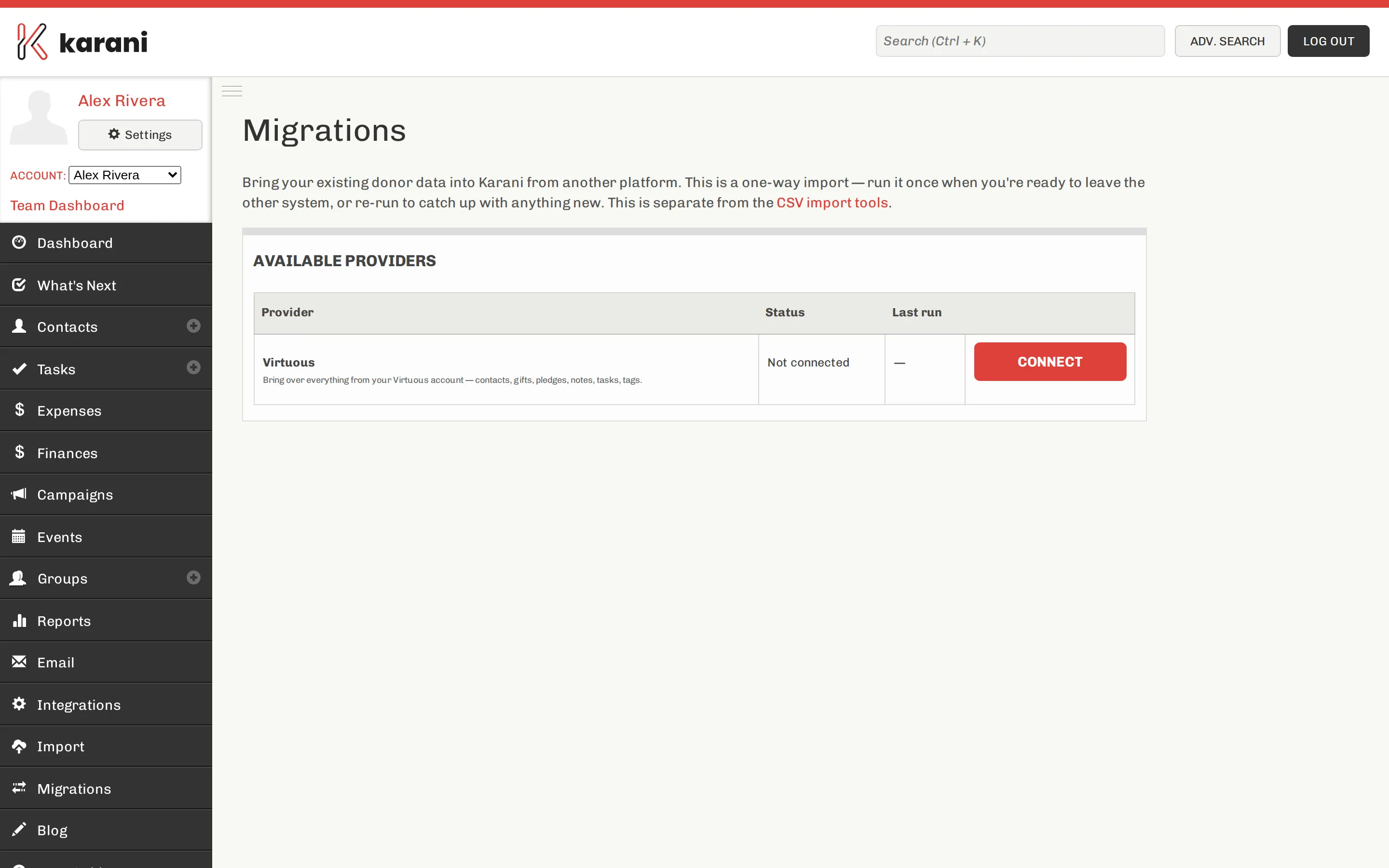
The Migrations page lists what’s currently available and shows the status of any migration you’ve run. Virtuous is among the supported providers.
If your CRM isn’t listed, export to CSV and use the importers — which works for any source.
Running one
Section titled “Running one”- Open Migrations.
- Choose your provider.
- Connect — you’ll authorise Karani against the provider’s system.
- Start the migration, and watch the progress.
Migrations of a large database take a while. You don’t need to sit and watch.
Before you migrate
Section titled “Before you migrate”After you migrate
Section titled “After you migrate”The same checks as any import:
- Contact count against the source.
- Giving totals — filter the Gifts Report to a known year and compare.
- Potential duplicates.
- Pledge start dates — the most common thing to survive a migration incorrectly. Check Donors Behind on Giving: if everyone is behind, or nobody is, look at the pledges.
- Contact statuses — providers classify differently, and you may need to re-map Donor/Prospect/Lapsed. See Contact statuses.
Filling the gaps afterwards
Section titled “Filling the gaps afterwards”Migrations rarely bring everything. What typically needs a follow-up CSV import:
- Interaction history — see Importing interactions
- Tags and groups
- Notes held in fields with no Karani equivalent — map them to Add to Contact Notes