

Groups overview
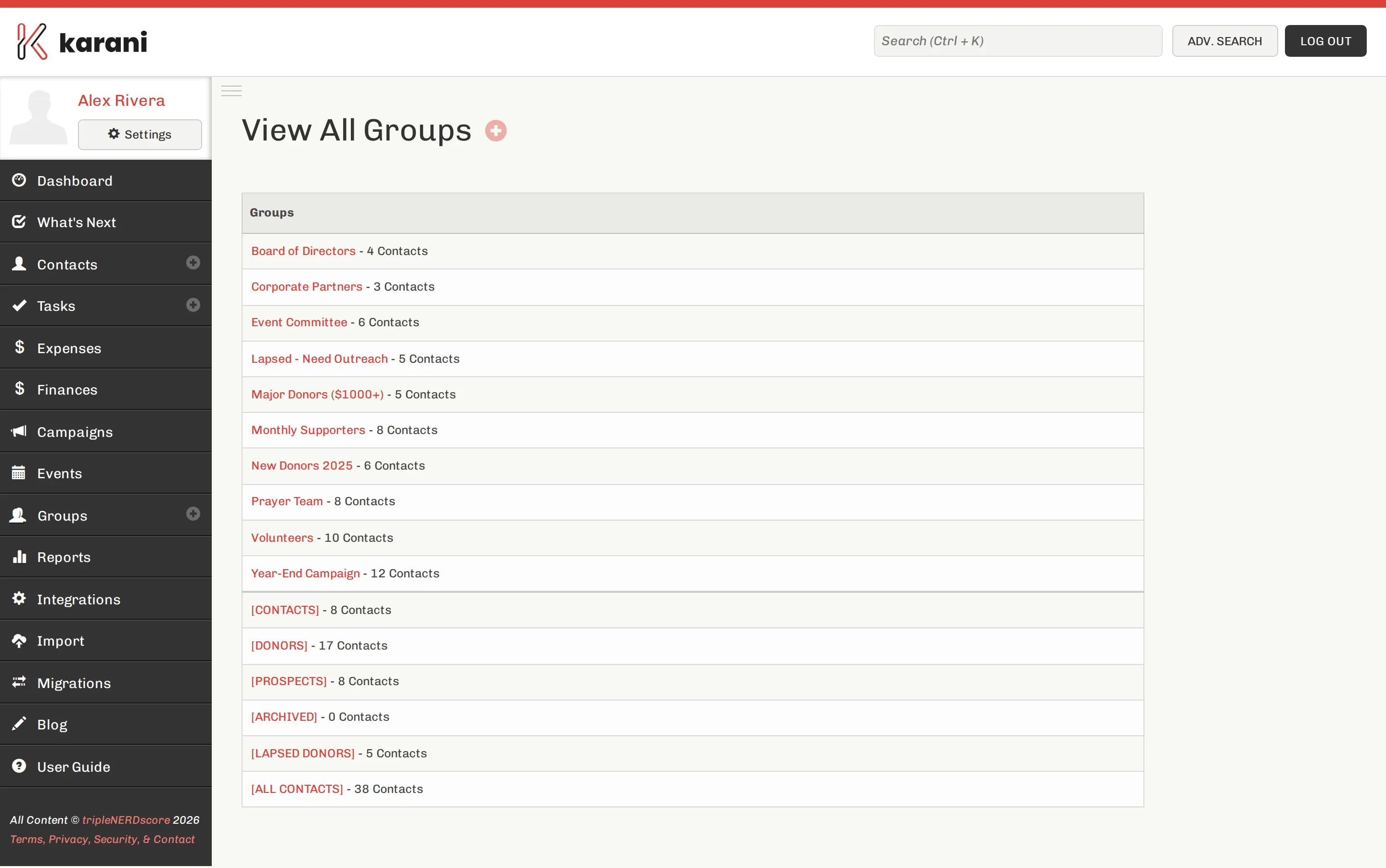
A group is a named list of contacts you act on together. Where a tag describes what someone is, a group collects people you want to send something to.
What groups are for
Section titled “What groups are for”Once a set of people is a group, you can:
- Export their email addresses as a paste-ready list
- Download addresses for mail merge and print mailing labels
- Download a Mailchimp-ready CSV, or sync the group to Mailchimp continuously
- Sync the group to PrayerLetters.com for paper mail
- Add a task or interaction to everyone in it at once
The groups most people end up with
Section titled “The groups most people end up with”- Email newsletter — everyone who gets the digital update
- Paper newsletter — everyone who gets it in the post
- Major donors — your top givers
- Monthly supporters — recurring givers
- Board / committee — however your governance works
- Prayer partners, Volunteers, Alumni — depends on your work
Don’t try to design the perfect set up front. Create one when you find yourself needing to send something to a particular collection of people.
Membership
Section titled “Membership”A contact can be in as many groups as you like, and groups can overlap freely — someone can be on both the email and paper newsletter lists.
There are two places to change membership:
- From the contact — the Groups panel on their profile lists every group with a tick box.
- From the group — the group’s page has a picker to add contacts and a delete control to remove them.
Both are covered in Adding & removing contacts.
Where to go next
Section titled “Where to go next”Creating a groupTwo clicks, then start adding people.
Adding & removing contactsFrom the contact, from the group, or in bulk.
Mailing labels & mail mergeGet addresses out of Karani and onto envelopes.
Groups vs. tagsWhich one to reach for, with examples.