

Scheduled email
Scheduled email lets you write when you have time and send when it will actually be read.
Scheduling a message
Section titled “Scheduling a message”On the compose screen, choose to schedule rather than send. Pick a date and time.
Managing scheduled messages
Section titled “Managing scheduled messages”Go to Mail → Scheduled, or karani.co/mail/scheduled.
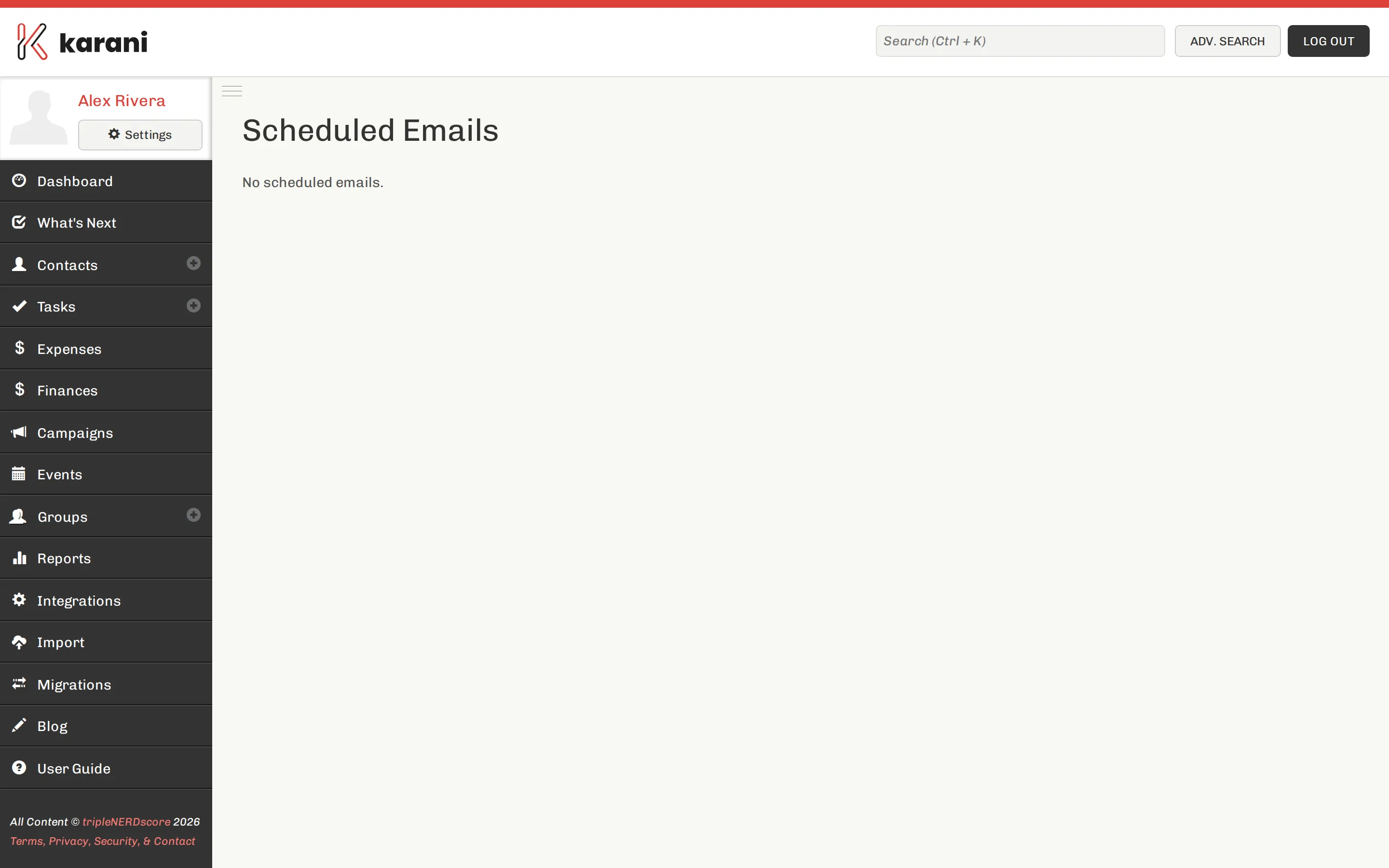
The list shows each queued message’s recipient, subject, and send time. Cancel any of them before they go.
What it’s useful for
Section titled “What it’s useful for”- Writing at your best hours, sending at theirs. Compose the batch on a Sunday evening; schedule for Tuesday morning.
- Timed follow-up. After a meeting, schedule the follow-up for a week out so it goes even if the week gets away from you.
- Working around a trip. Queue messages before you travel.
Scheduled email vs. tasks
Section titled “Scheduled email vs. tasks”They solve different problems and are often confused.
- Schedule an email when the message is already written and you know exactly what it says.
- Create a task when you need to think before you write, or when the right message depends on what’s happened by then.
Scheduling a message you haven’t really thought through, three weeks out, is a common way to send something that no longer fits the situation.