

Resetting your password
-
Go to karani.co and click Log in.
-
Click Forgot password?
-
Enter your email address and click Send Reset Email.
-
Open the email from Karani and click the reset link.
-
Karani sends a follow-up email containing a temporary password.
-
Sign in with the temporary password.
-
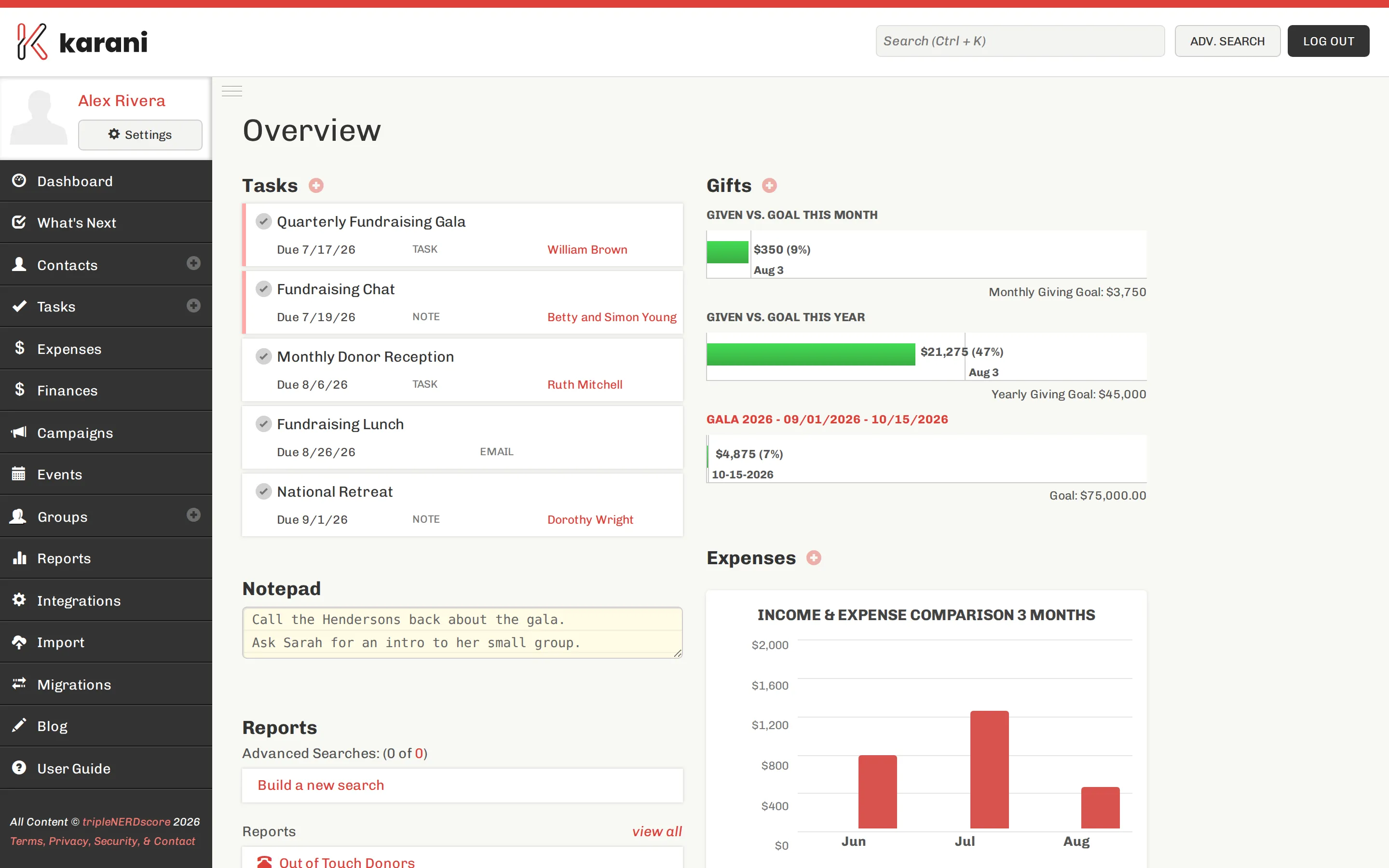
Go to Settings → Profile, set a new password, and click Save profile.
If the email doesn’t arrive
Section titled “If the email doesn’t arrive”Check your spam folder first — reset emails land there more than any other kind.
Check you’re using the right address. Karani accounts are keyed to one email address. Try any others you might have signed up with.
Check whether you signed up with Google. If so, there’s no Karani password to reset — use the Sign in with Google button instead.
Wait a few minutes. Then try once more.
If none of that works, email support@karani.co from the address you think the account uses.
Changing your password when you can remember it
Section titled “Changing your password when you can remember it”You don’t need a reset. Sign in, go to Settings → Profile, and change it there.
Signed in on a device you no longer have
Section titled “Signed in on a device you no longer have”Change your password. That’s the practical way to end other sessions.