

Gifts Report
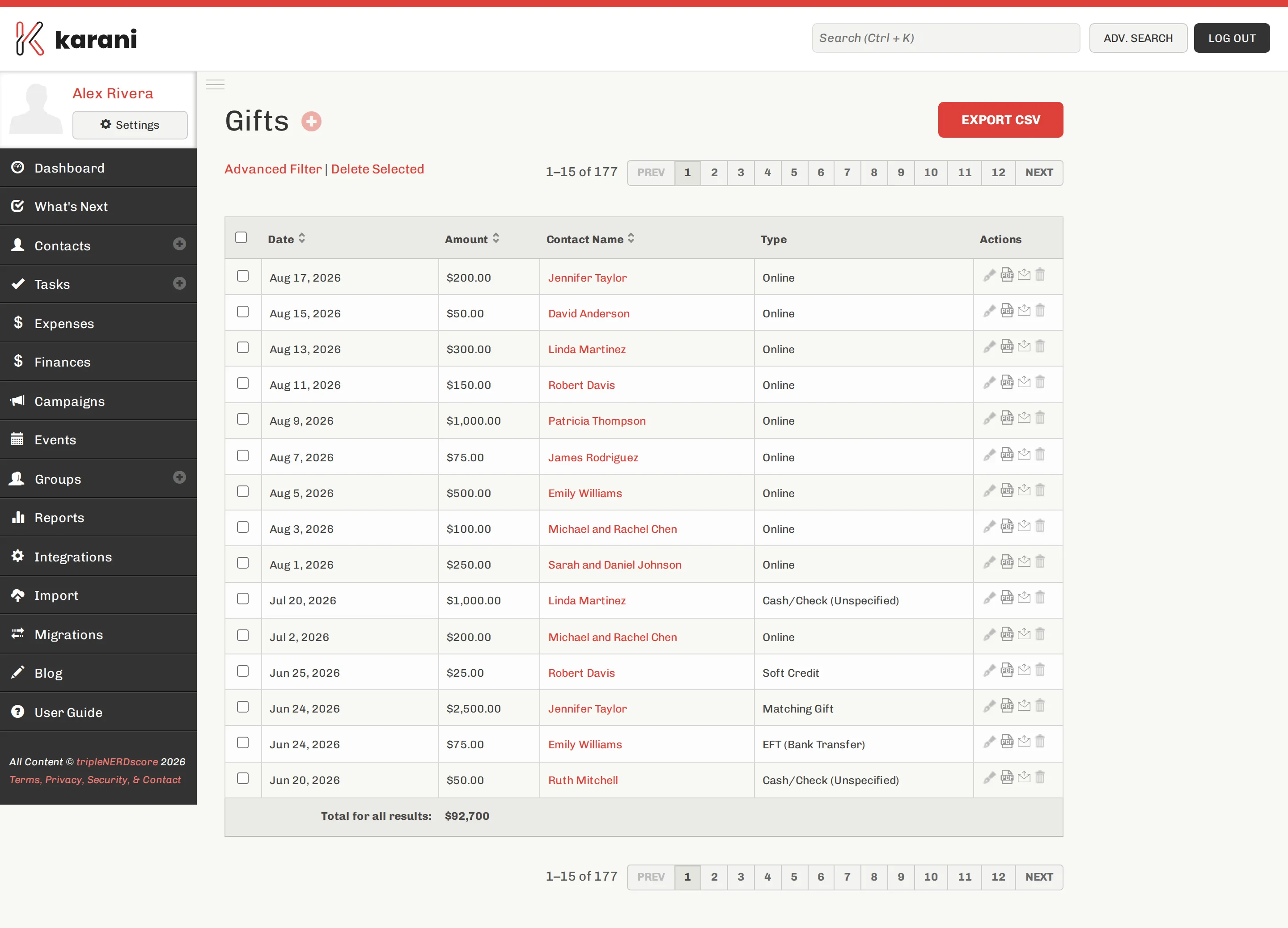
Where the other financial reports are per donor, this one is per gift.
Filtering
Section titled “Filtering”Narrow by date range, gift type, donor, or amount. The total updates with the filter, which is what makes this the reconciliation tool.
What it’s for
Section titled “What it’s for”Reconciling with your organisation. Filter to a month, compare the total with your organisation’s report, and work through the difference. Common causes of a mismatch are listed in Understanding your numbers.
Working out what a campaign raised. Filter to the campaign’s date range — though the campaign page does this for you.
Seeing which channels actually produce. Filter by type. If Online is 60% of your gifts, your giving link deserves more prominence.
Finding a specific gift. When a donor asks about a gift from March, this is the fastest way to it.
Exporting
Section titled “Exporting”Export downloads the filtered list as CSV, with the same filters applied.
Adding and editing gifts
Section titled “Adding and editing gifts”Click a gift to open it — from there you can edit, delete, email a receipt, or generate a PDF.
Add a gift with the +. See Adding a gift.
Related
Section titled “Related”- Fiscal Year Giving by Donor — the same money, arranged per donor per month
- Finances — aggregate position
- Exporting your data — everything at once