

Posting updates
Updates are short posts that appear to any donor signed into your portal.
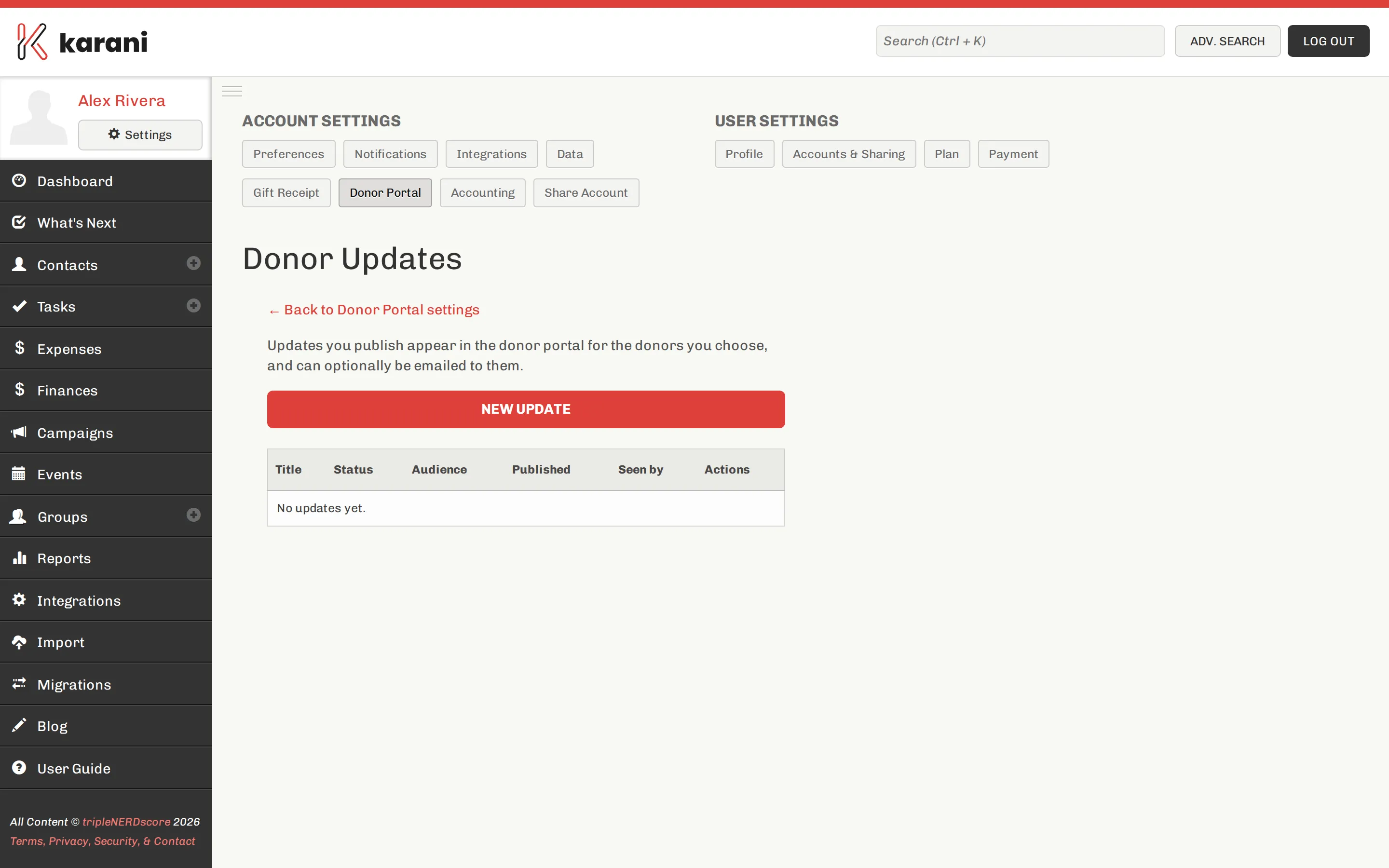
Go to Settings → Donor Portal → Compose donor updates, or karani.co/account/donor-portal/updates.
Writing one
Section titled “Writing one”-
Click to create an update.
-
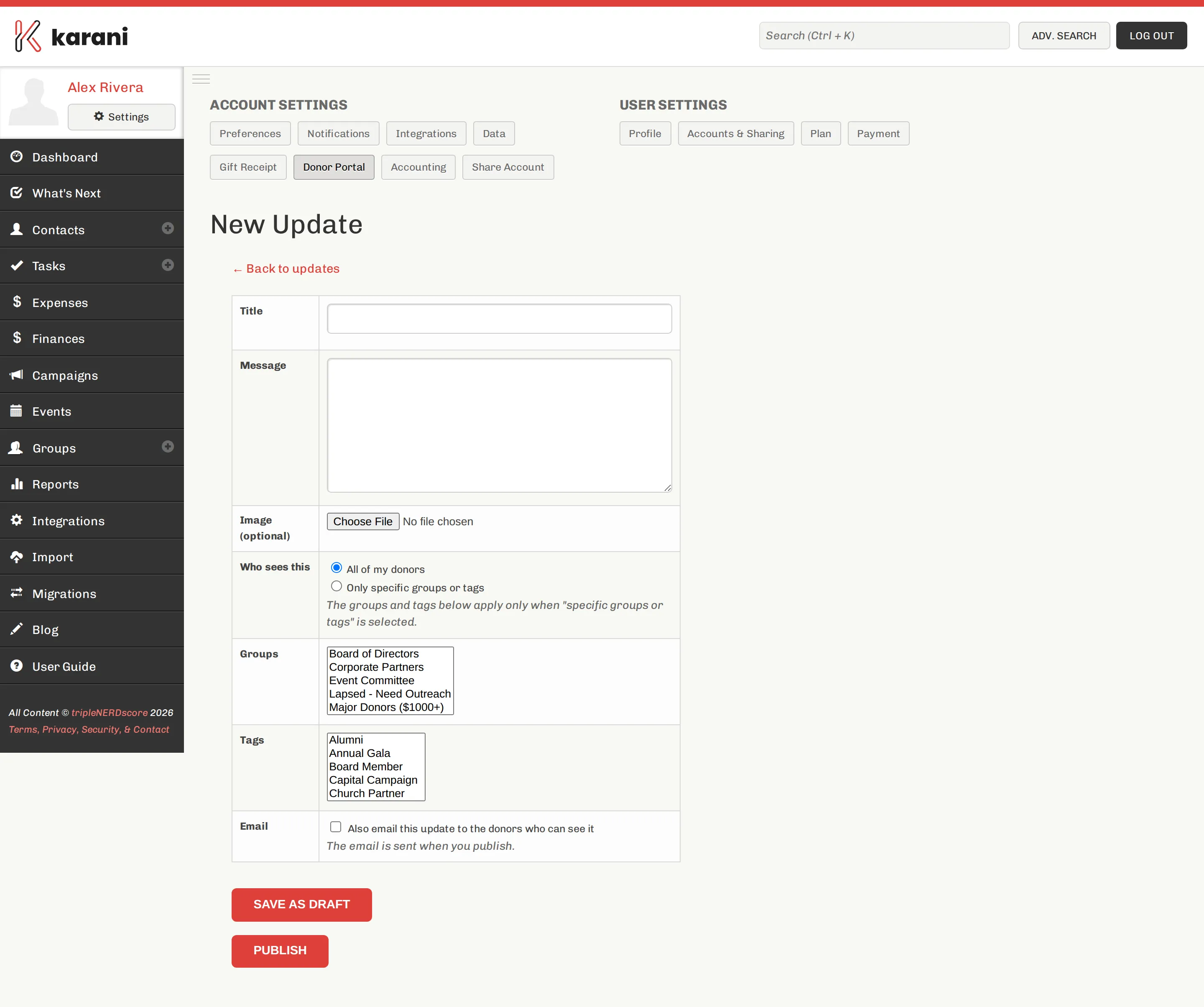
Write a title and the body.
-
Save it. Publish when you’re ready.
You can edit or delete an update at any time. Changes are live for donors as soon as they’re published.
Updates vs. email
Section titled “Updates vs. email”They do different jobs and work well together.
| Portal updates | ||
|---|---|---|
| Reaches | Donors who sign in | Everyone you send to |
| Effort | Write once | Write, send, manage bounces |
| Persistence | Stays available | Gone from the inbox in a day |
| Best for | Longer context, ongoing record | Timely news, asks |
The pattern most people land on: substantial updates go on the portal, and the newsletter links to them.
What to write about
Section titled “What to write about”Donors giving to support a person want to know what their money did. Things that work:
- What happened this quarter, concretely
- A specific story — one person, one situation
- What’s coming next
- A thank you tied to something real
What doesn’t: generic gratitude with no content, and anything that reads like a fundraising ask. The portal is where people who already gave come to see what happened. Asking there is a missed opportunity.
Frequency
Section titled “Frequency”Quarterly is plenty. A portal with four thoughtful updates a year is more use than one with twelve thin ones, and far more use than one that was updated enthusiastically for two months and then stopped.