

Importing gifts
Giving history is what makes Karani’s reports meaningful. Import it early.
Preparing the file
Section titled “Preparing the file”Columns you want: Donor ID, name, amount, gift date, and optionally
giving method.
Required: gift date and gift amount. Everything else is optional, though a gift with no donor identifier isn’t much use.
Dates as YYYY-MM-DD, amounts as plain numbers with no currency symbol or
thousands separator.
Running the import
Section titled “Running the import”-
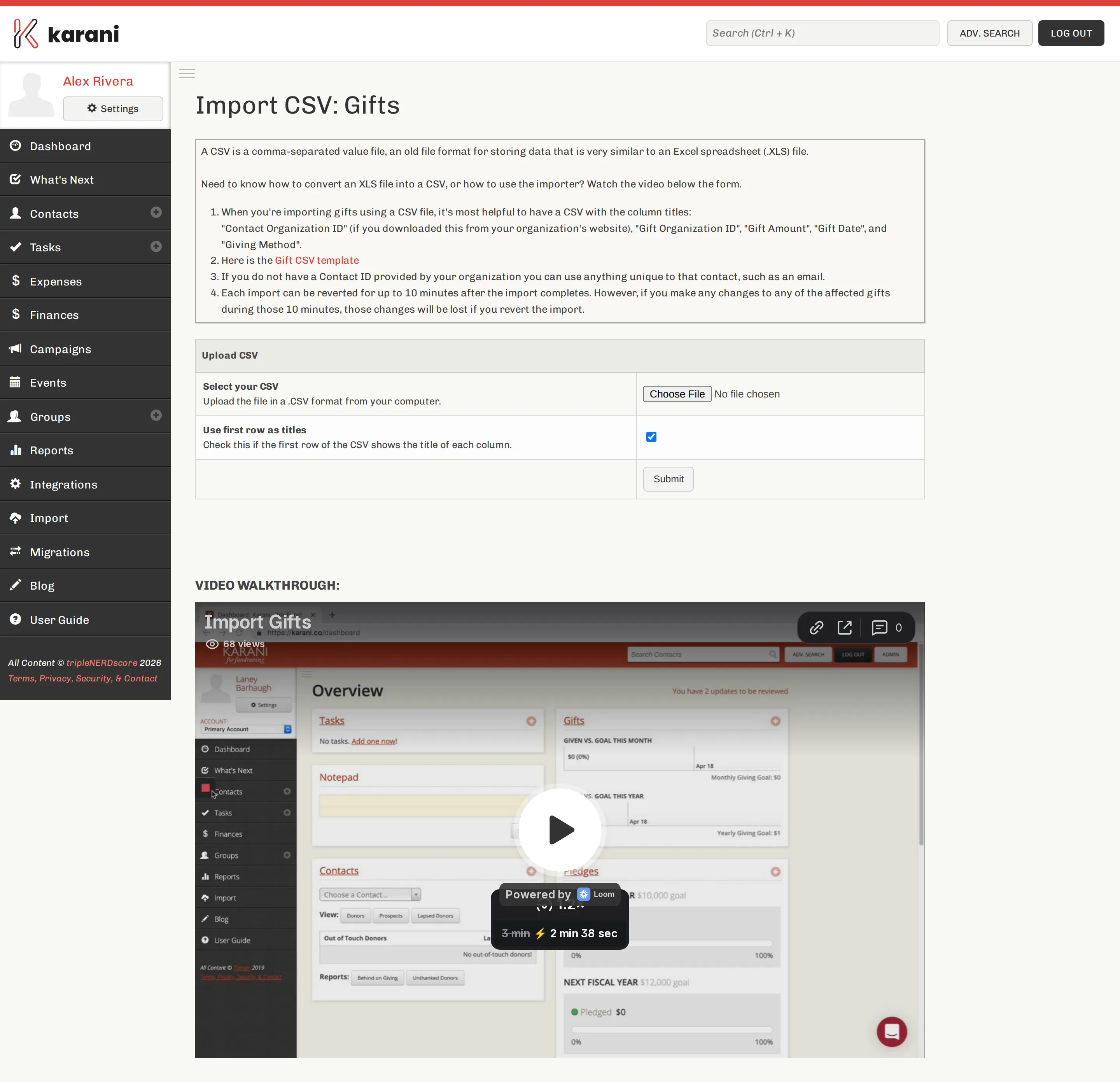
Import → Gifts.
-
Choose your file and Submit.
-
Map the columns.
-
Process CSV.
Mapping
Section titled “Mapping”| Karani field | Notes |
|---|---|
| Gift Amount | Required. |
| Gift Date | Required. YYYY-MM-DD. The date the donor gave, not the date you’re importing. |
| Contact Organization ID | How the gift finds its donor. Map this. |
| Contact Full Name | Fallback matching by name. Available in “first last” and “last, first” forms. |
| Contact First Name / Contact Last Name | Alternative name matching. |
| Gift Organization ID | Your organisation’s ID for the gift, if it has one. Prevents double-importing the same gift. |
| Gift Type | Cash, Check, Credit Card, EFT, and so on. See Gift types. |
Matching donors
Section titled “Matching donors”Karani matches a gift to a contact in this order:
- Contact Organization ID — reliable.
- Name — best effort, and wrong more often than you’d think. Two people with the same name, a married surname change, a typo.
If a gift can’t be matched, it won’t attach to the right contact, and that donor’s behind-on-giving figures will be wrong.
After the import
Section titled “After the import”- Check the Gifts Report — filter to the date range you imported and compare the total against your source. They should match exactly.
- Open a few contact profiles and check the gifts landed on the right people.
- Check the Finances page — the year-to-date figure should now look right.
Importing monthly
Section titled “Importing monthly”The common ongoing pattern:
- Export the month’s giving from your organisation’s system.
- Import it into Karani, mapping Gift Organization ID so re-imports don’t duplicate.
- Check the total in the Gifts Report.
Ten minutes a month, and every report stays current.