

Setting your goals
Setting these is one of the first and most important things to do with a new Karani account. Almost every percentage in the product is computed against them.
Go to Settings → Preferences, or karani.co/account/settings, and find the Budgets section.
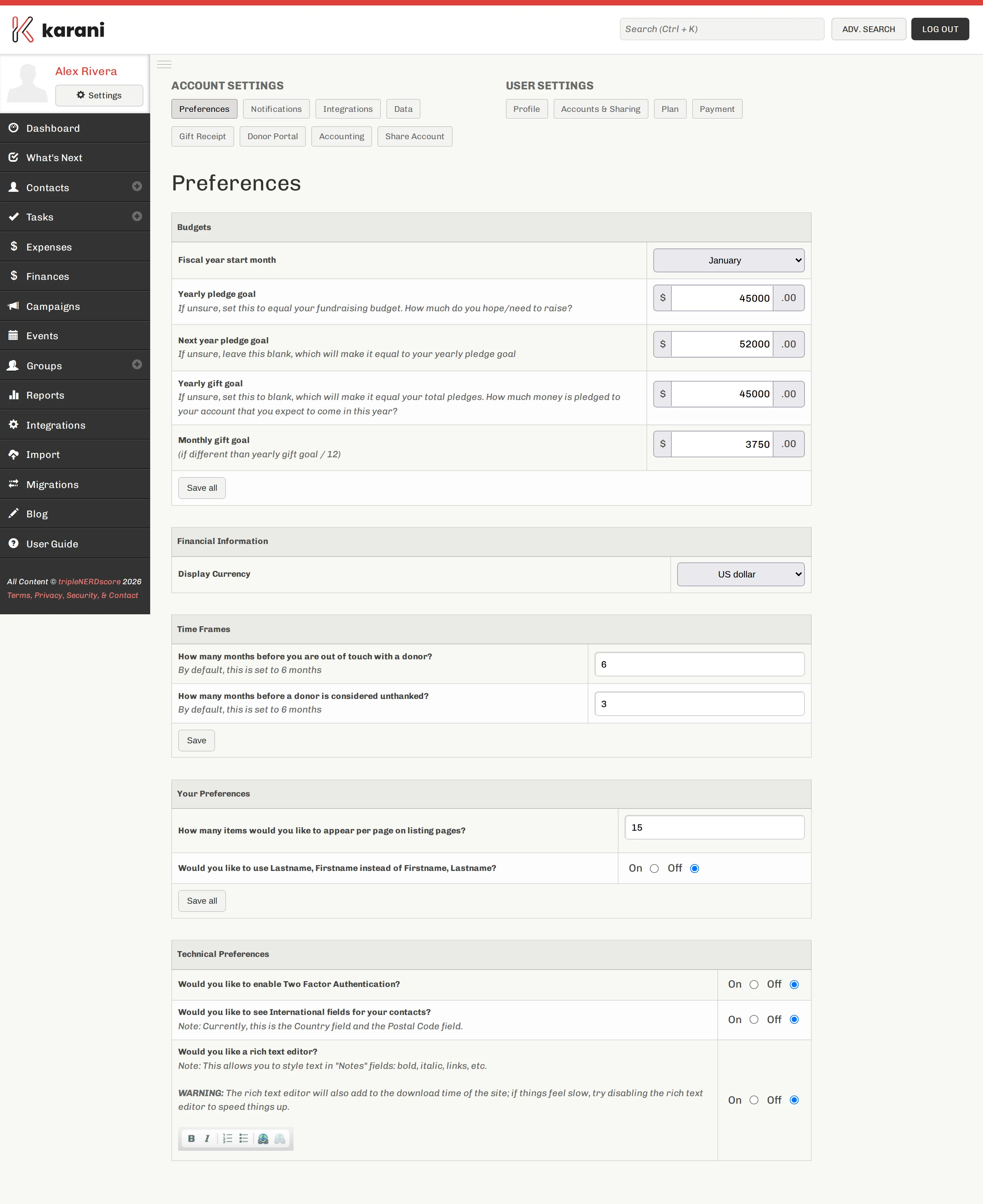
Fiscal year start month
Section titled “Fiscal year start month”The month your organisation resets its financial year. Almost always January or July; if you don’t know, leave it at January and ask.
This drives everything with the words “this year” attached — percent funded, year-to-date giving, behind-on-giving calculations, the Fiscal Year Giving report.
Yearly pledge goal
Section titled “Yearly pledge goal”How much you need to have pledged this year. For most people this is identical to their annual fundraising budget.
This is the denominator for Percent Funded on the Finances page and for the pledge progress bars on your dashboard.
Next year pledge goal
Section titled “Next year pledge goal”The same number for next year. Optional, but setting it makes the forward- looking half of the Finances page useful — Karani will show you how far ahead you are on next year while you’re still working on this one.
Yearly gift goal and monthly gift goal
Section titled “Yearly gift goal and monthly gift goal”Leave these blank unless you have a specific reason not to.
If empty, Karani calculates them from your pledges, which is what you want. Set them only if your expected income genuinely differs from your pledges — for example, if a large share of your giving reliably arrives in December and you want the monthly bars to reflect that rather than an even twelfth.
Saving
Section titled “Saving”Click Save all at the bottom of the section.
Checking it worked
Section titled “Checking it worked”Open the Finances page. Percent Funded should now show a sensible number, and Left To Raise should show both a total and a monthly figure.
The other settings on this page
Section titled “The other settings on this page”The Budgets section is the important one, but the same page also sets out-of-touch and unthanked thresholds, page sizes, and international fields. See Account preferences.