

Importing pledges
Required columns
Section titled “Required columns”The pledge importer requires four fields:
- Amount
- Frequency
- Contact Organization ID
- Start Date
Plus, optionally, End Date and the one-time flag.
Frequency values
Section titled “Frequency values”The importer expects: Weekly, Monthly, Quarterly, or Annual.
Normalise your source data to those words before importing. “12x/year”, “mo”, and “Monthly” won’t all be understood.
Start dates
Section titled “Start dates”Format as YYYY-MM-DD.
Running the import
Section titled “Running the import”-
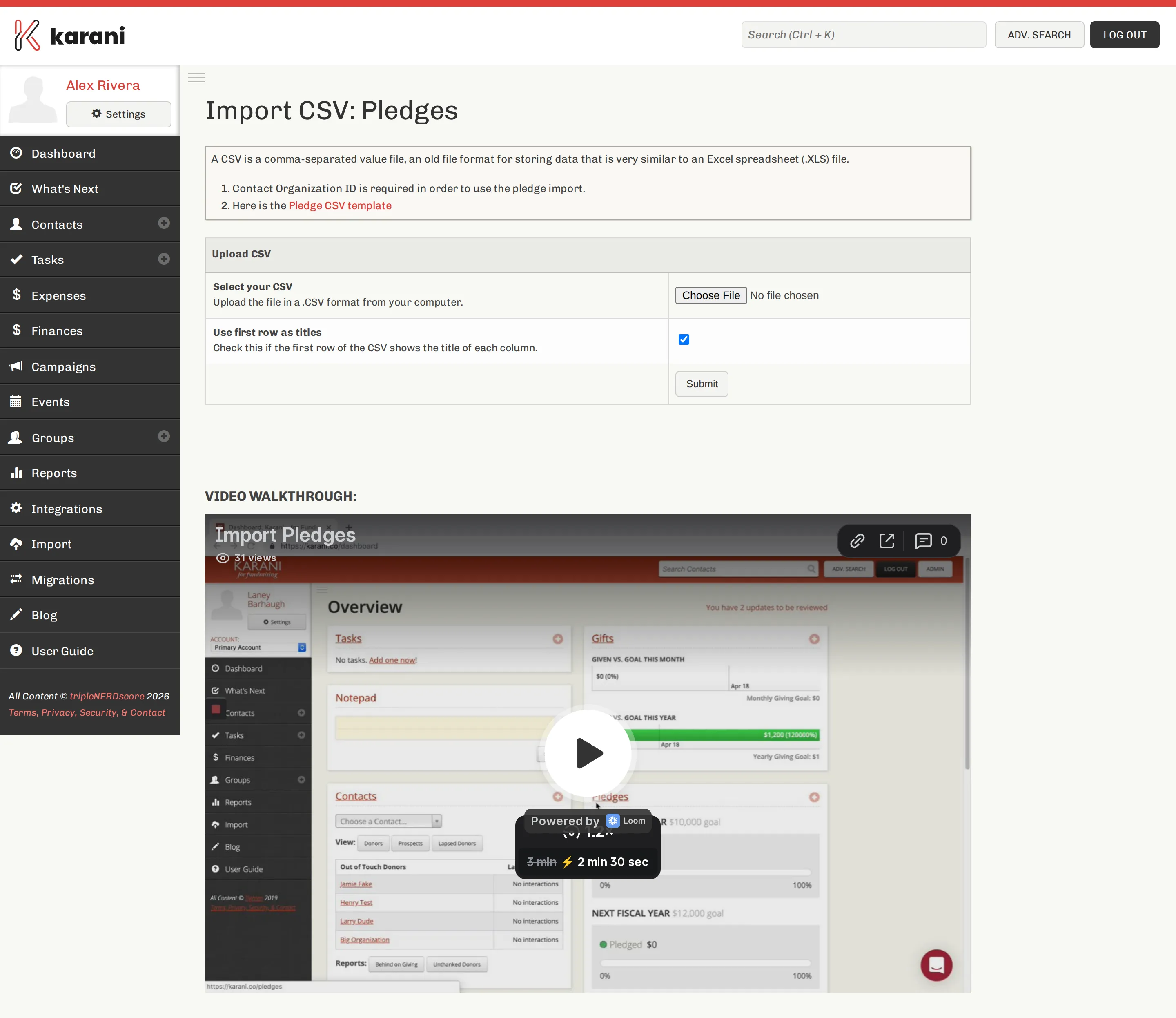
Import → Pledges.
-
Choose your file and Submit.
-
Map the columns — Amount, Frequency, Start Date, End Date, one-time flag, and Contact Organization ID.
-
Process CSV.
One-time pledges
Section titled “One-time pledges”Map a column to Is “One-Time”? (Y/N) if your data distinguishes them. One-time pledges are counted toward the year’s totals but don’t generate ongoing expectations. See Adding a pledge.
After the import
Section titled “After the import”- Open the Finances page. Percent funded should now reflect your real pledged total.
- Open a few contact profiles and check the pledge amounts and frequencies.
- Run Donors Behind on Giving. If nearly everyone is behind, your start dates are wrong. If nobody is, they may be wrong the other way.