

Signing in
Karani runs in a browser, so you can sign in from a desktop, laptop, tablet, or phone — there’s nothing to install.
-
Go to karani.co and click Log in in the top menu bar, or go straight to karani.co/login.
-
Enter your email address and password, or click Sign in with Google if that’s how you created your account.
-
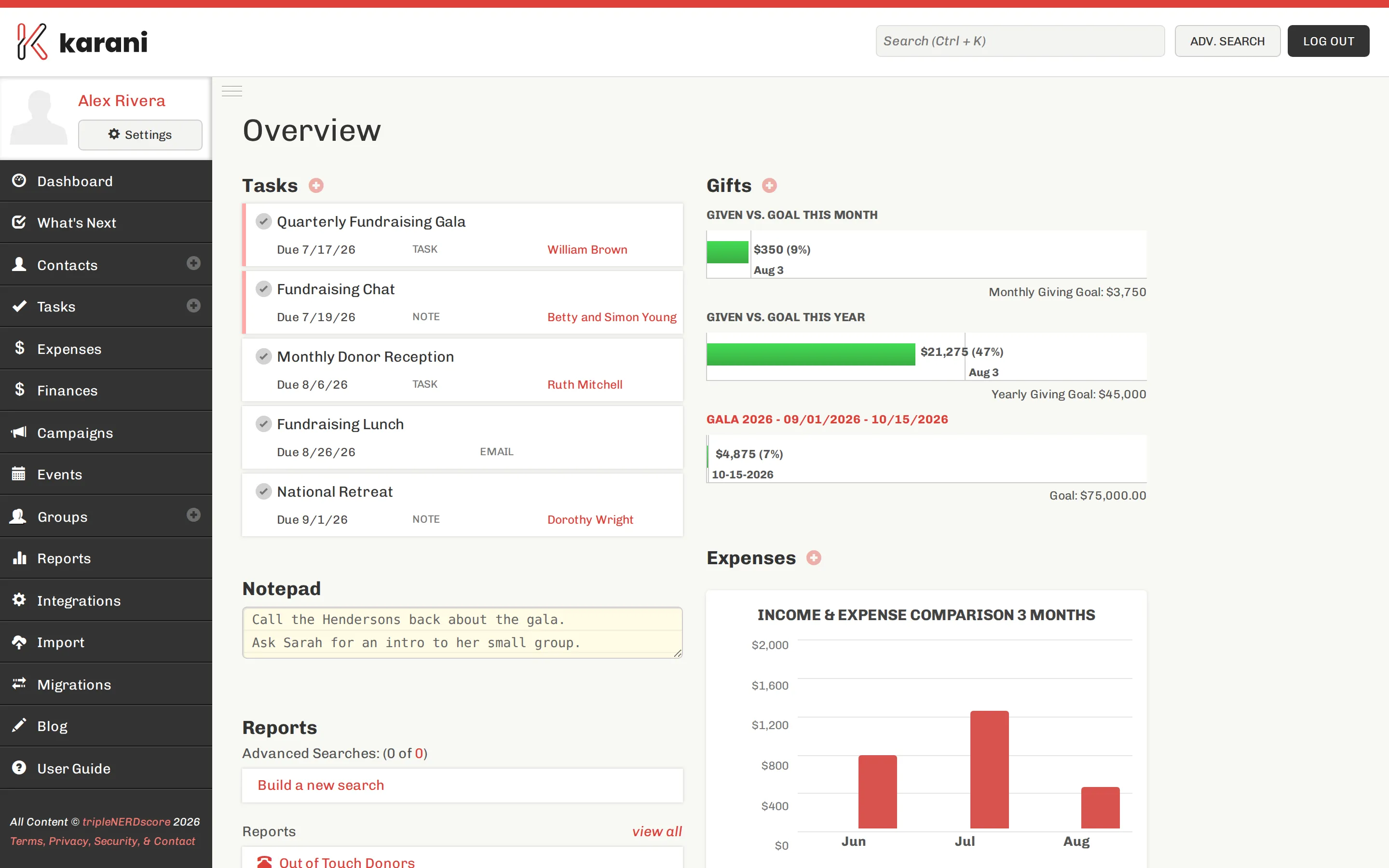
Click Sign in. You’ll land on your dashboard.
Staying signed in
Section titled “Staying signed in”Karani keeps you signed in on a device for a while, so you won’t be asked for your password every visit. Signing out explicitly — via Log out in the top right — ends that immediately.
Sign out on shared or public computers. Anyone with access to a signed-in browser has full access to your contacts, giving history, and settings.
Two-factor authentication
Section titled “Two-factor authentication”If your organisation requires it, Karani will prompt you for a verification code after you enter your password. Enter the code from your authenticator app to finish signing in.
When you can’t get in
Section titled “When you can’t get in”A few other things that trip people up:
- “Invalid credentials” but you’re sure the password is right. Check whether you originally signed up with Google. If so, there is no Karani password on the account — use the Google button.
- You have more than one email address. Karani accounts are keyed to a single email. Try the others you might have used.
- Your account was shared with you. You sign in as yourself, then switch into the shared account. See Switching accounts.
- Repeated failed attempts. Karani rate-limits sign-in attempts to protect your account. Wait a few minutes and try again.
If none of that works, email support@karani.co.