

Signing up
Every Karani account starts with a free trial. No card is charged until the trial ends.
-
Pick a plan. Go to karani.co/pricing and choose the plan that fits. If you’re not sure, start with the cheapest one — you can change plans later without losing any data.
-
Click “Start Free Trial.” Premium plans start as a 30-day trial.
-
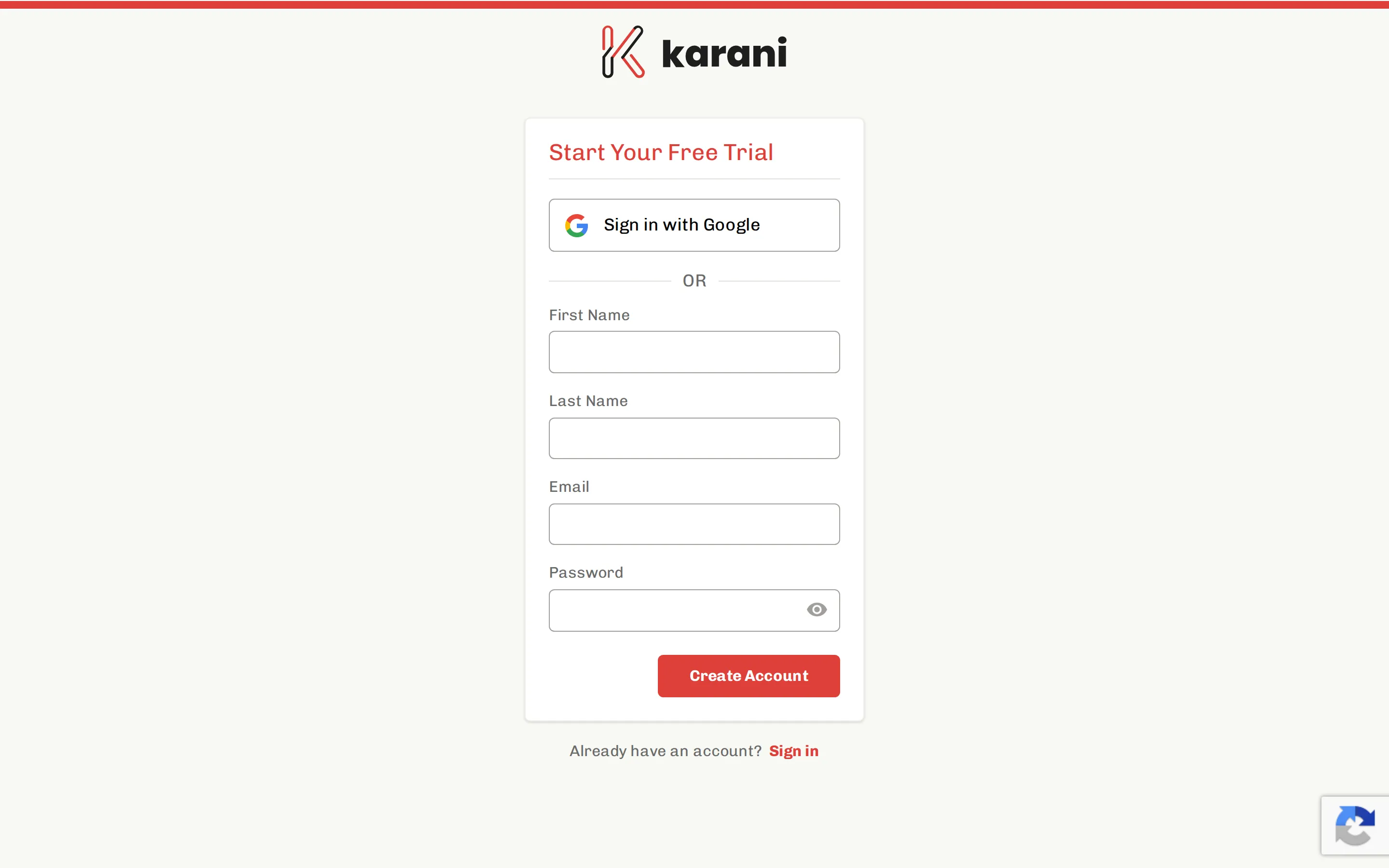
Create your account. You can either authenticate with Google, or enter your name, email address, and a password.
-
Verify your email. Karani sends a confirmation email with a link. Click it, and your account is live.
Signing up with Google
Section titled “Signing up with Google”If you choose “Sign up with Google,” Karani never sees or stores a password for you — Google handles authentication and tells Karani who you are. You’ll sign in the same way every time.
You can’t later switch a Google-authenticated account to a password-authenticated one on your own; email support if you need that changed.
What happens during the trial
Section titled “What happens during the trial”Your trial account is a complete Karani account, not a limited demo. Everything in these docs works: imports, reports, integrations, the API. Anything you add during the trial stays when you subscribe.
Karani will email you before the trial ends. If you do nothing, the card you entered at sign-up is charged on the anniversary of your sign-up date. See Plans and Payment & billing for the details.
What to do next
Section titled “What to do next”Head to Your first steps — there are two settings worth getting right before you add any data, because most of Karani’s maths depends on them.