

Volunteers
Most events need people as much as they need guests. The Volunteers tab handles both halves: what roles exist, and who’s in them.
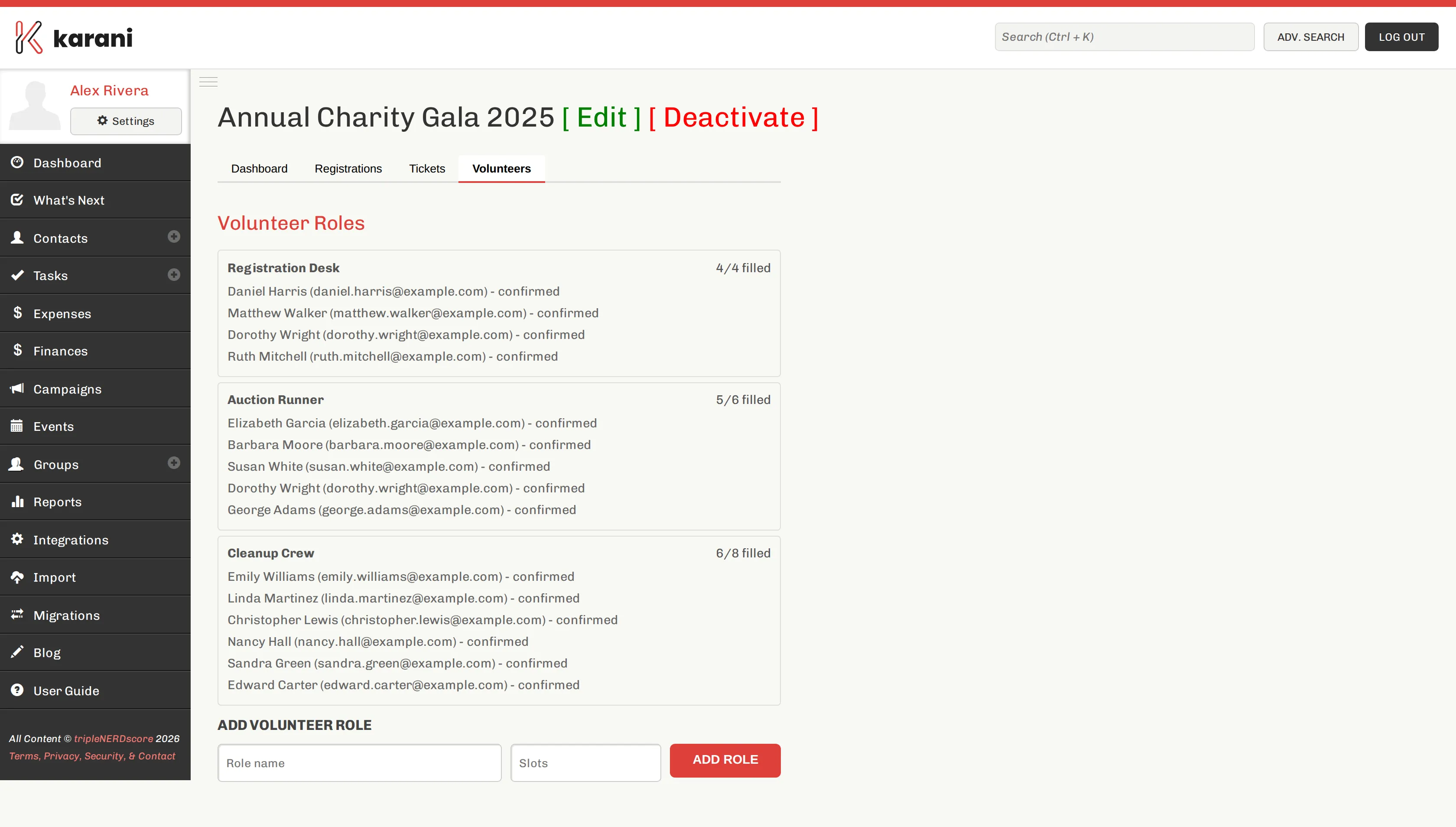
Creating a role
Section titled “Creating a role”On the Volunteers tab, add a role with:
- Name — “Registration desk”, “Setup crew”, “Kitchen”, “Photographer”
- Description — what the job actually involves, and when
- Number needed — how many people for this role
Be specific in the description. “Setup crew, 3–5pm, moving tables and setting place cards” gets filled; “Help out” doesn’t.
Sign-ups
Section titled “Sign-ups”Volunteers sign up through the event’s public page, where they choose a role. The tab shows who’s signed up against each role and how many slots remain.
You can also see volunteer totals on the event dashboard.
Editing and removing roles
Section titled “Editing and removing roles”Edit a role to change its name, description, or the number needed.
Volunteers who are also guests
Section titled “Volunteers who are also guests”A volunteer who’s also attending needs a registration as well as a volunteer sign-up — they’re separate records. Create a free ticket type for volunteers so they can register at no cost and still be counted at check-in.
Volunteers in your contacts
Section titled “Volunteers in your contacts”Volunteers are people worth keeping track of beyond the event. After it, add them to a Volunteers group, or tag them — they’re the easiest people to recruit next time, and volunteers frequently become donors.