

Importing interactions & tasks
Interaction history is what makes Out of Touch Donors, Unthanked Donors, and What’s Next meaningful from day one instead of six months in.
Required columns
Section titled “Required columns”- Contact Organization ID
- Type
Plus, in practice, a title and a date.
Preparing the file
Section titled “Preparing the file”Columns: Donor ID, interaction title, interaction type, and
date of interaction.
Normalise the types before importing. Karani’s interaction types are: note, ask, thank you, email, facebook, mail, text, call, voicemail, meeting, service. If your source uses “Phone” and “Phone Call” and “Called”, map them all to call in the spreadsheet first.
Running the import
Section titled “Running the import”-
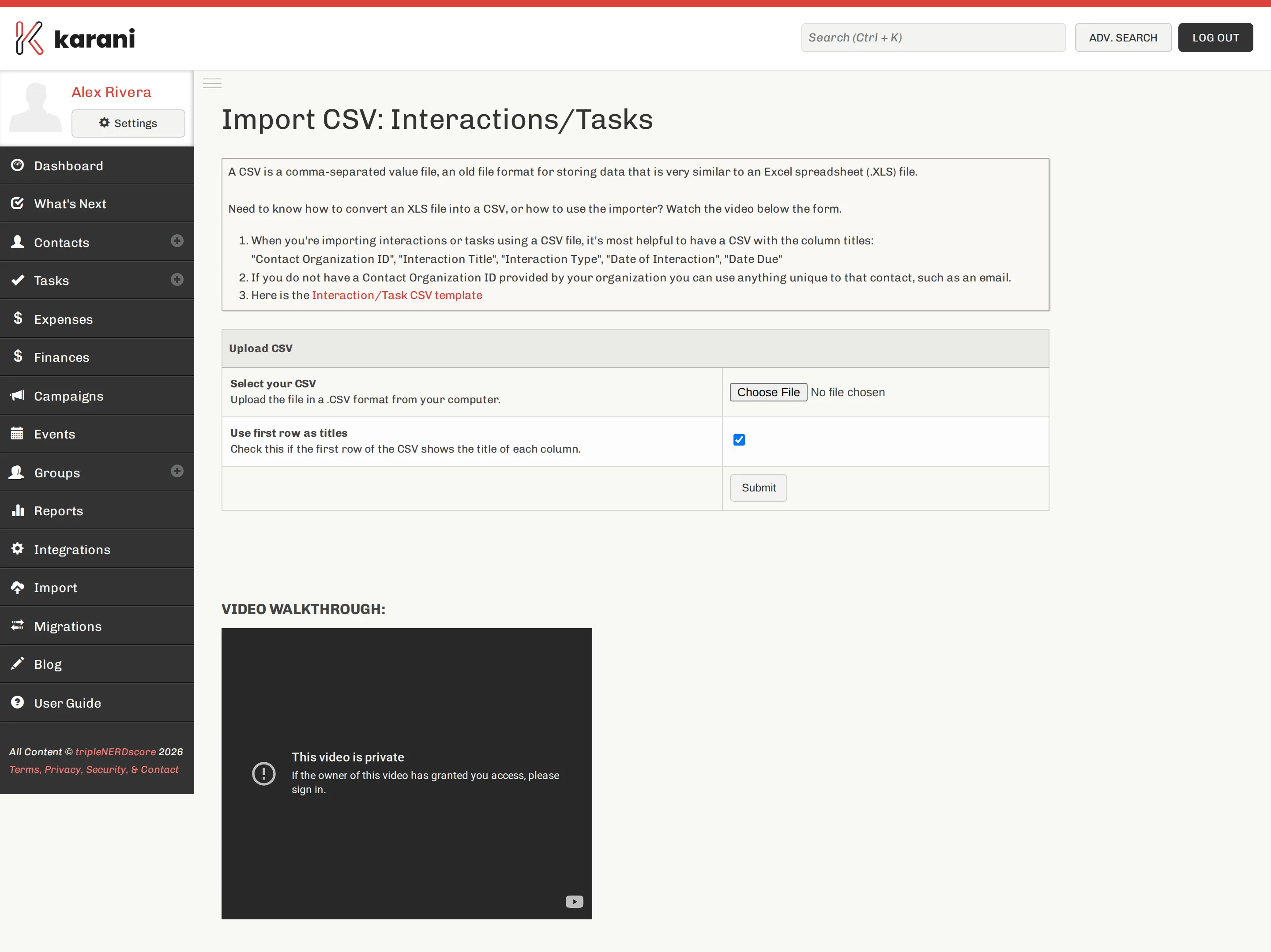
Import → Interactions/Tasks.
-
Choose your file and Submit.
-
Map the columns.
-
Process CSV.
The fields
Section titled “The fields”| Karani field | Notes |
|---|---|
| Contact Organization ID | Required. How the record finds its contact. |
| Type | Required. |
| Title | What happened. |
| Notes | Any detail. |
| Interaction Date | For things that happened. |
| Is Task? (Y/N) | Y makes it a task rather than an interaction. |
| Date Due (Tasks) | For tasks. |
| Is Completed? (Tasks) | For tasks that are already done. |
Interactions vs. tasks in one file
Section titled “Interactions vs. tasks in one file”The Is Task? column lets one file contain both. Past history imports as
interactions (N); anything outstanding imports as tasks (Y) with a due date.
Most historical imports are all interactions, and you can leave the column out entirely.
After the import
Section titled “After the import”- Open a few contact profiles and check the Communication Timeline.
- Check Interaction History for the overall count and date spread.
- Run Out of Touch Donors — it should now be a realistic list rather than everyone you have.
Going forward
Section titled “Going forward”Once history is in, keep it current by logging interactions as you go, and by bulk-logging every mailing. That’s the habit the reports depend on.