

Plans
Choosing a plan
Section titled “Choosing a plan”Plans are listed on the pricing page.
-
Click Start Free Trial on the plan that fits. Premium plans start as a 30-day trial.
-
Create your account.
-
Click the verification link Karani emails you.
See Signing up.
Viewing and changing your plan
Section titled “Viewing and changing your plan”Settings → Plan, or karani.co/user/plan.
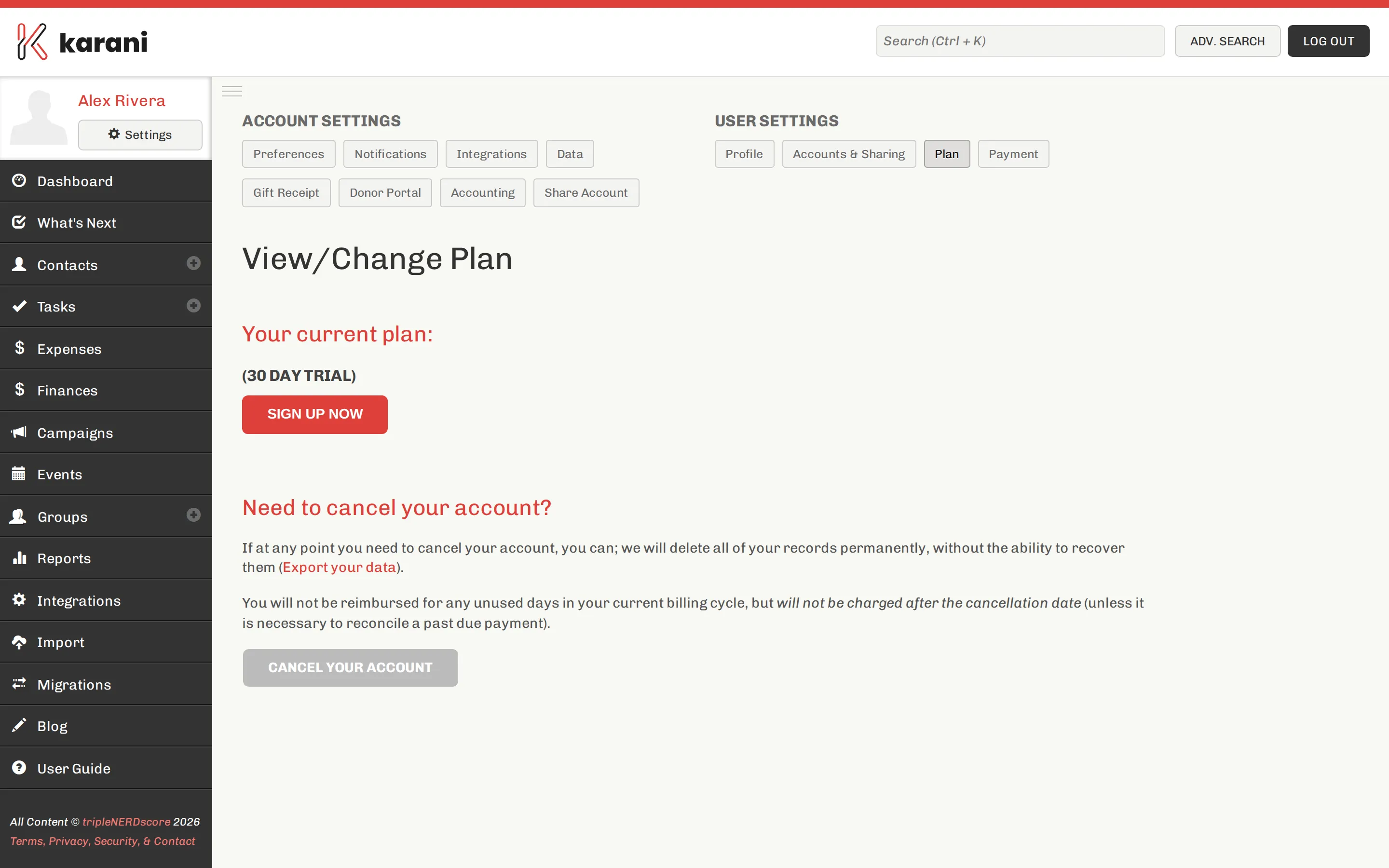
You can change plans from here. Your data is unaffected by a plan change — features may become available or unavailable, but nothing is deleted.
What Premium adds
Section titled “What Premium adds”The main one people ask about is account sharing — letting a supervisor or teammate work in your account.
The pricing page has the current comparison.
Frequently asked
Section titled “Frequently asked”If I subscribe mid-trial, do I keep the rest of the trial free? Yes. Your card is charged when the trial completes.
Where do I put my card details? At sign-up for a paid plan. Update them any time under Settings → Payment.
What day of the month am I billed? The day you signed up for your trial.
What happens to my data if I downgrade? Nothing is deleted. Features not in the lower plan stop being available.
What happens if I cancel? See Cancelling your account.
Teams and group payments
Section titled “Teams and group payments”If several people at your organisation use Karani, one person can pay for everyone, and discounts are often available. See Teams, and specifically Billing & discounts.
Pausing
Section titled “Pausing”Some plans can be paused rather than cancelled — useful for seasonal work or a gap between assignments. Ask customerservice@karani.co.