

Tags
Tags are for the details about a contact that Karani doesn’t have a field for — which is most of what makes a person memorable.
Adding a tag
Section titled “Adding a tag”On a contact’s profile, find the Tags panel and start typing.
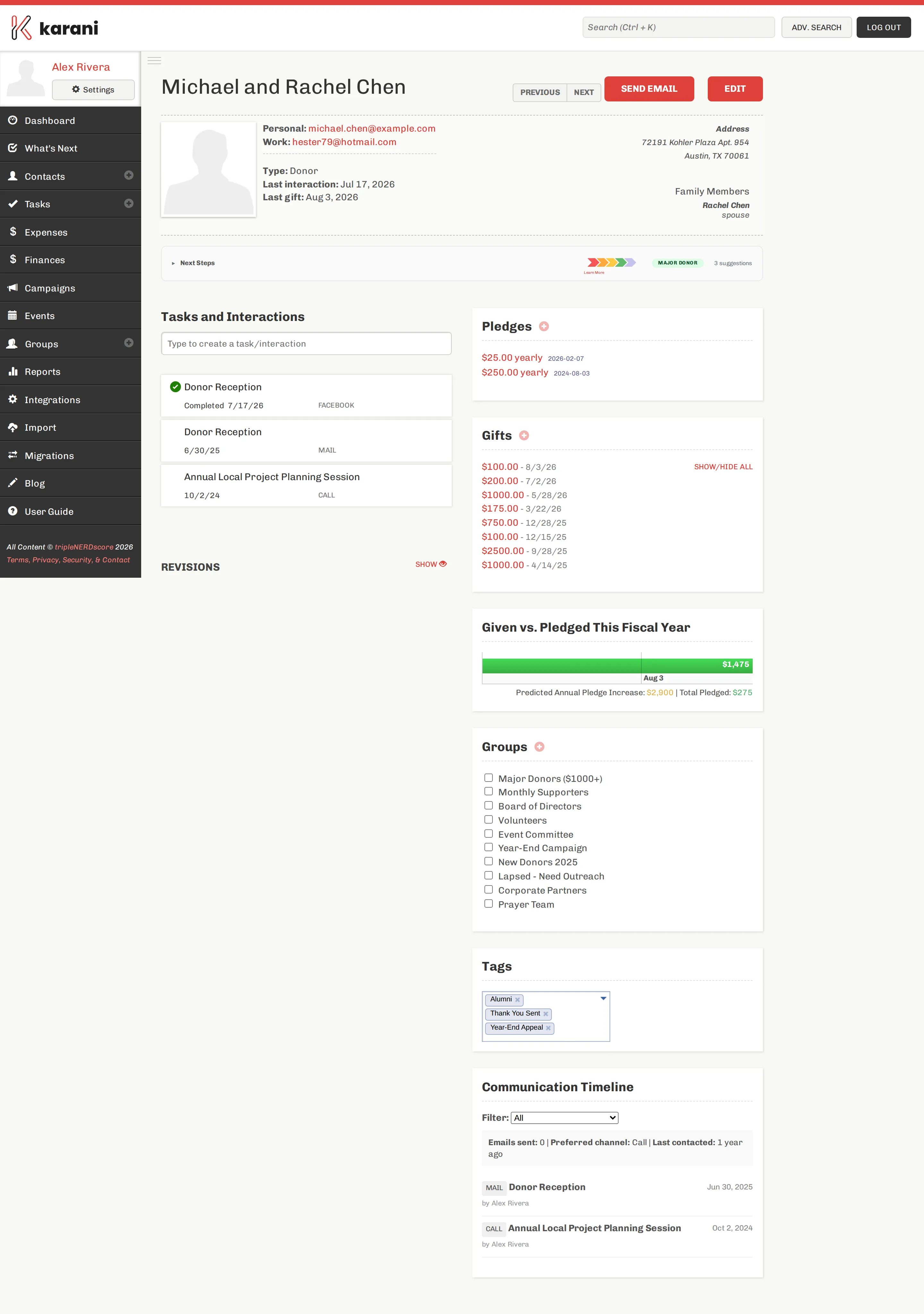
You don’t need to create a tag before using it — typing a new word creates it. Existing tags autocomplete as you type, which is how you avoid ending up with “alumni”, “Alumni”, and “alum” as three separate things.
To finish a tag, press Tab, , or Enter, or click anywhere outside the box. Tags save immediately — there’s no save button.
To remove one, click the × on the tag.
What people tag
Section titled “What people tag”Anything you might later want to filter on:
- Relationship context — “met at conference”, “college roommate”, “church”
- Giving behaviour — “major donor”, “monthly giver”, “matches gifts”
- Communication preference — “paper newsletter”, “no email”, “call don’t text”
- Workflow state — “thank you sent”, “needs follow up”, “ask in Q4”
- Genuinely human details — “great singer”, “loves cheese”, “allergic to dogs”
That last category is the point. Tag whatever you’d want to be reminded of before a conversation.
Adding tags to many contacts at once
Section titled “Adding tags to many contacts at once”Tick contacts in the contacts list and choose With Selected… → Add tags. This is the fast way to tag the results of a search — for example, tag everyone who came to an event.
Finding contacts by tag
Section titled “Finding contacts by tag”Tags are searchable in advanced search: set the field to Contact Tag and pick the tag. Combine with other criteria — all your “monthly giver” tagged contacts in Colorado — and save the search to reuse it.
Tags are also available as a column and a grouping in The Grid.
Tags vs. groups
Section titled “Tags vs. groups”They overlap, and people ask about this constantly.
| Tags | Groups | |
|---|---|---|
| Created by | Typing one | Deliberately, on the Groups page |
| Best for | Describing what someone is | Collecting people you’ll act on together |
| Bulk actions | Search and filter | Email export, mail merge, Mailchimp sync, mailing labels |
| Typical count | Dozens | A handful |
Rule of thumb: if you want to send something to a list, use a group. If you want to remember something about a person, use a tag.
There’s a fuller comparison in Groups vs. tags.