

Your data
Settings → Data, or karani.co/account/data.
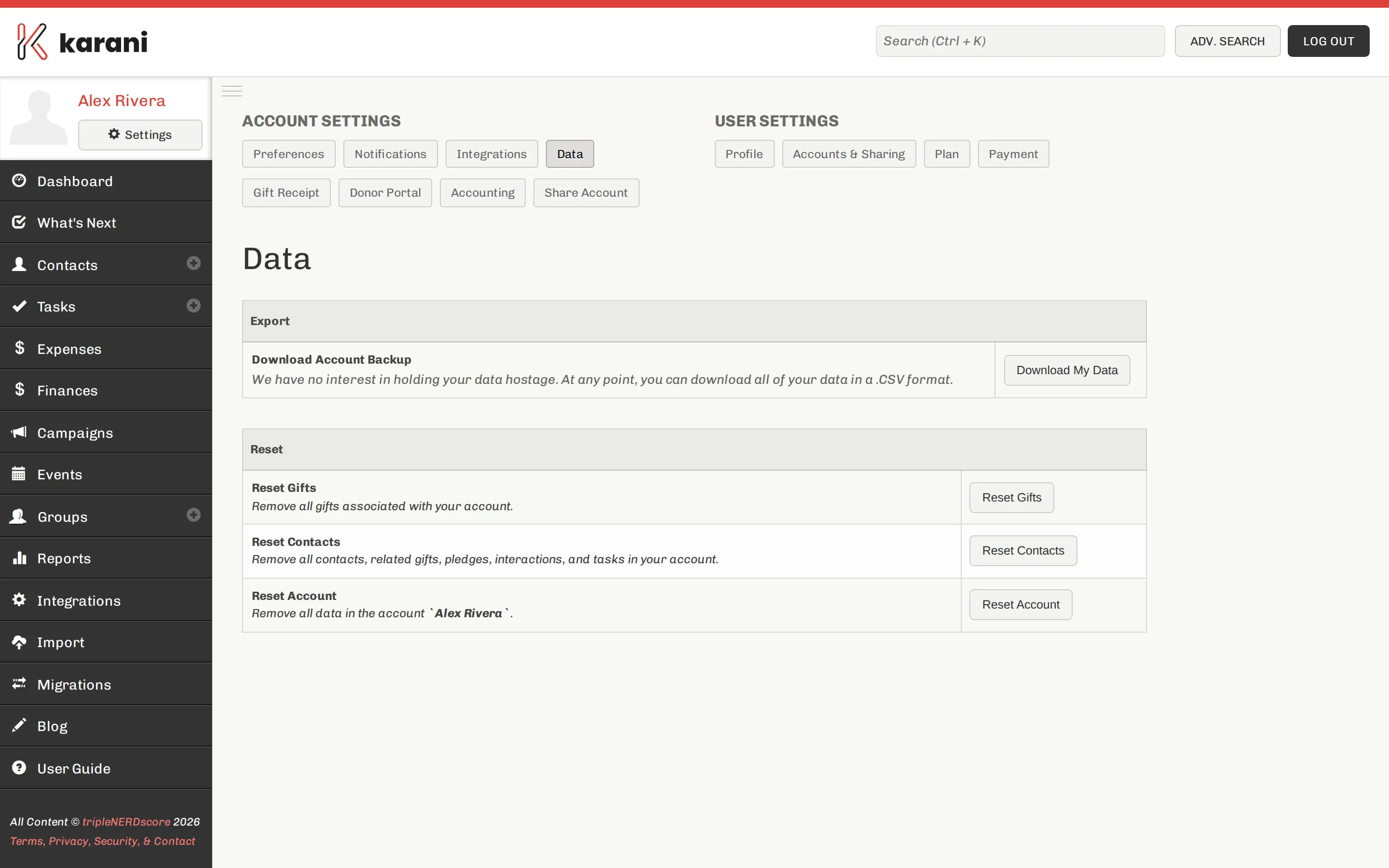
Download My Data
Section titled “Download My Data”Downloads everything in your account as CSV: contacts, gifts, pledges, tasks, interactions, groups, and your configuration — goals, fiscal year, thresholds.
Per-report exports are covered in Exporting your data.
Reset options
Section titled “Reset options”The same page can reset contacts, reset gifts, or reset the whole account.
They exist for one legitimate case: an account you filled with test data while evaluating Karani, which you now want to use for real.
If you’re reaching for a reset to fix a bad import, try these first:
- Revert the import — possible for 10 minutes after it completes
- Re-import corrected data — with organisation IDs mapped, this updates rather than duplicates
- Merge duplicates
Data retention
Section titled “Data retention”Deleted contacts are soft-deleted for a period, so a recent mistake can sometimes be reversed — contact support@karani.co quickly. Resets are not recoverable the same way.
If you’re leaving
Section titled “If you’re leaving”Download your data before you cancel. Do it while your account is still active.
The download is plain CSV, which imports into any other CRM or opens in any spreadsheet.
Data requests
Section titled “Data requests”For a donor asking what you hold about them: their record is on their contact profile, and you can export it. If they have donor portal access, they can see it themselves.
For deletion requests, see Archiving & deleting — and note that deleting removes their giving history from your totals.