

Switching accounts
An account is a funding target. Most people have one; some have several.
When you’d have more than one
Section titled “When you’d have more than one”- Your salary support, plus a scholarship fund you also raise for
- A project fund kept separate from your personal support
- An account for an entity several fundraisers raise toward
Each account has completely separate contacts, gifts, pledges, tasks, groups, and settings.
Switching
Section titled “Switching”Go to Settings → Accounts & Sharing, or karani.co/accounts.
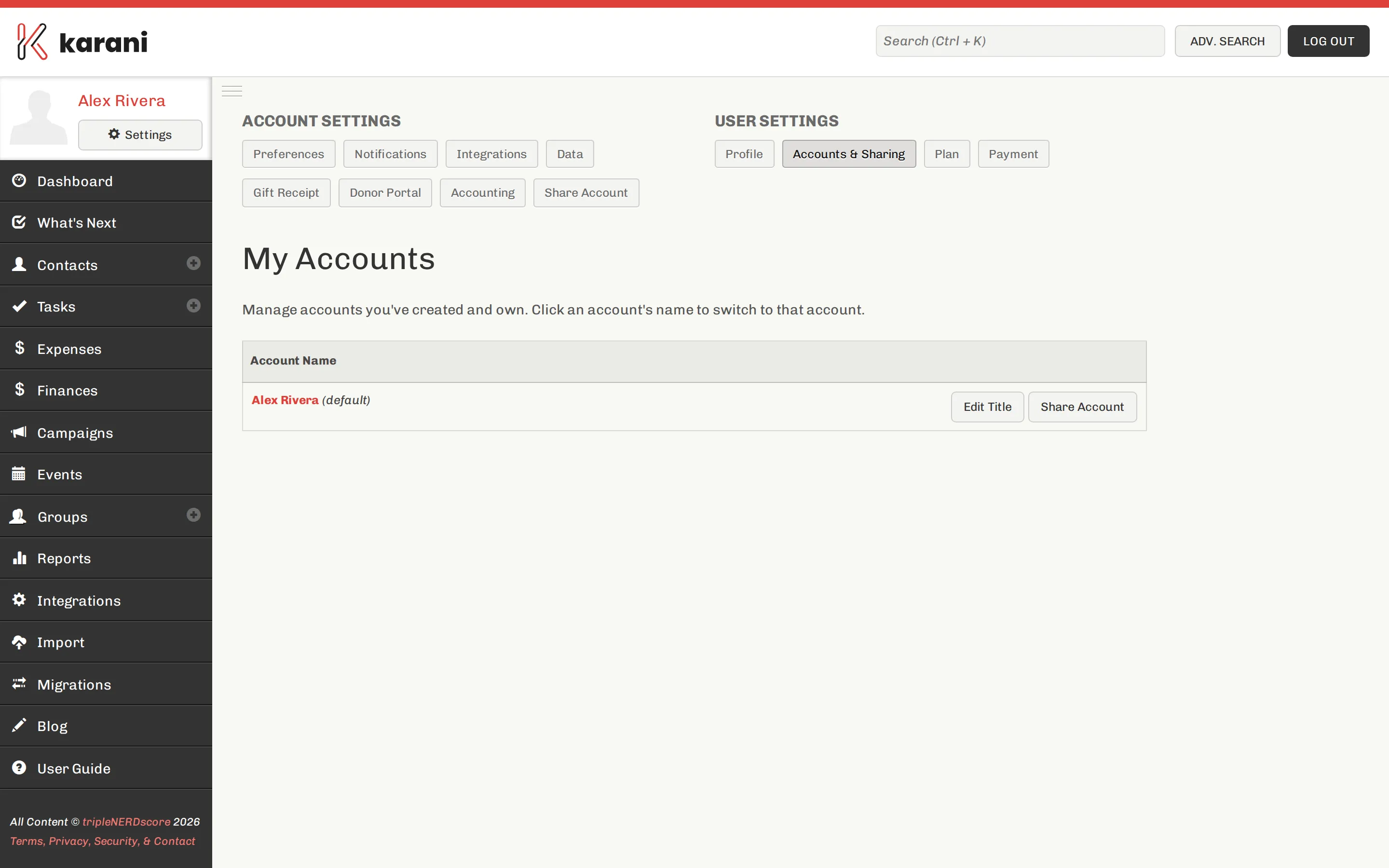
The page lists your own accounts and any shared with you. Switch from there.
What’s per account and what isn’t
Section titled “What’s per account and what isn’t”Per account:
- Contacts, gifts, pledges, tasks, interactions, groups, tags
- Preferences — fiscal year, goals, thresholds
- Integrations
- Gift receipt and donor portal settings
Per user, shared across accounts:
Getting another account
Section titled “Getting another account”Additional accounts are set up rather than self-service. Email support@karani.co or customerservice@karani.co explaining what you need.
Should this be a separate account, or a tag?
Section titled “Should this be a separate account, or a tag?”Genuinely separate accounts are for separate funding targets with their own goals and reporting.
If you just want to track which fund a gift is for within one budget, use the gift’s designation field, or a campaign. That keeps one set of contacts and one relationship history, which is nearly always what you want.