

Merging duplicates
Duplicates happen. An import runs twice, a donor’s surname changes, someone gets entered by hand who was already there. Karani has two tools for it: a report that finds likely duplicates, and a merge screen that combines them.
Finding duplicates
Section titled “Finding duplicates”Go to Reports → Potential Duplicate Contacts, or karani.co/reports/potential-duplicates.
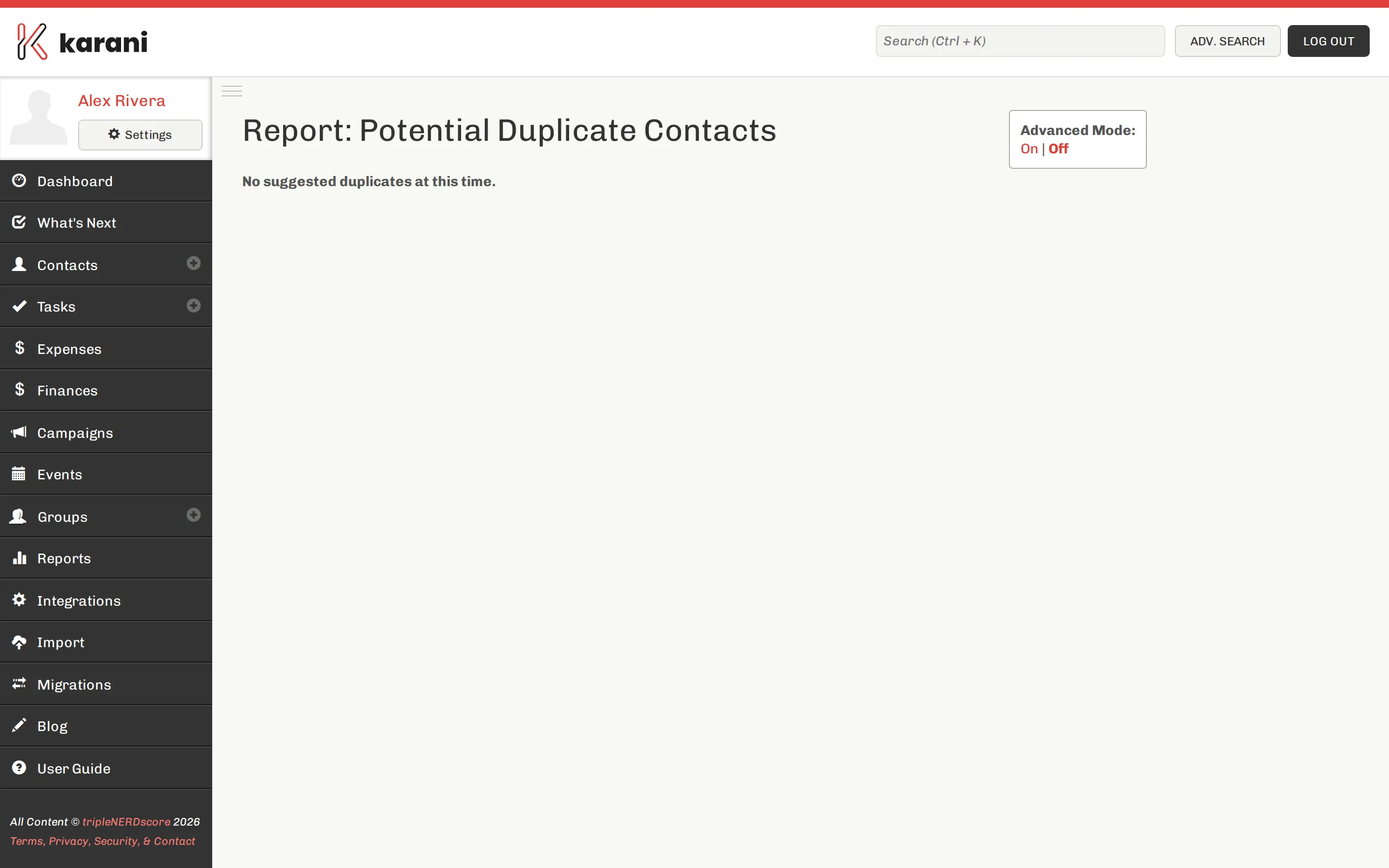
Karani compares names, addresses, and email addresses and scores each pair. For each suggested pair you can:
- Merge — go to the merge screen with both contacts loaded.
- Dismiss — tell Karani these two are genuinely different people. Dismissed pairs stop appearing.
Match threshold and advanced mode
Section titled “Match threshold and advanced mode”The report has a match threshold — how similar two contacts must be before they’re suggested. Lower it to catch more (and see more false positives); raise it to see only near-certain matches.
Advanced mode applies a broader set of comparisons. It finds more, and it suggests more pairs that turn out not to be duplicates. Turn it on for a one-off cleanup, off for routine use.
Merging two contacts
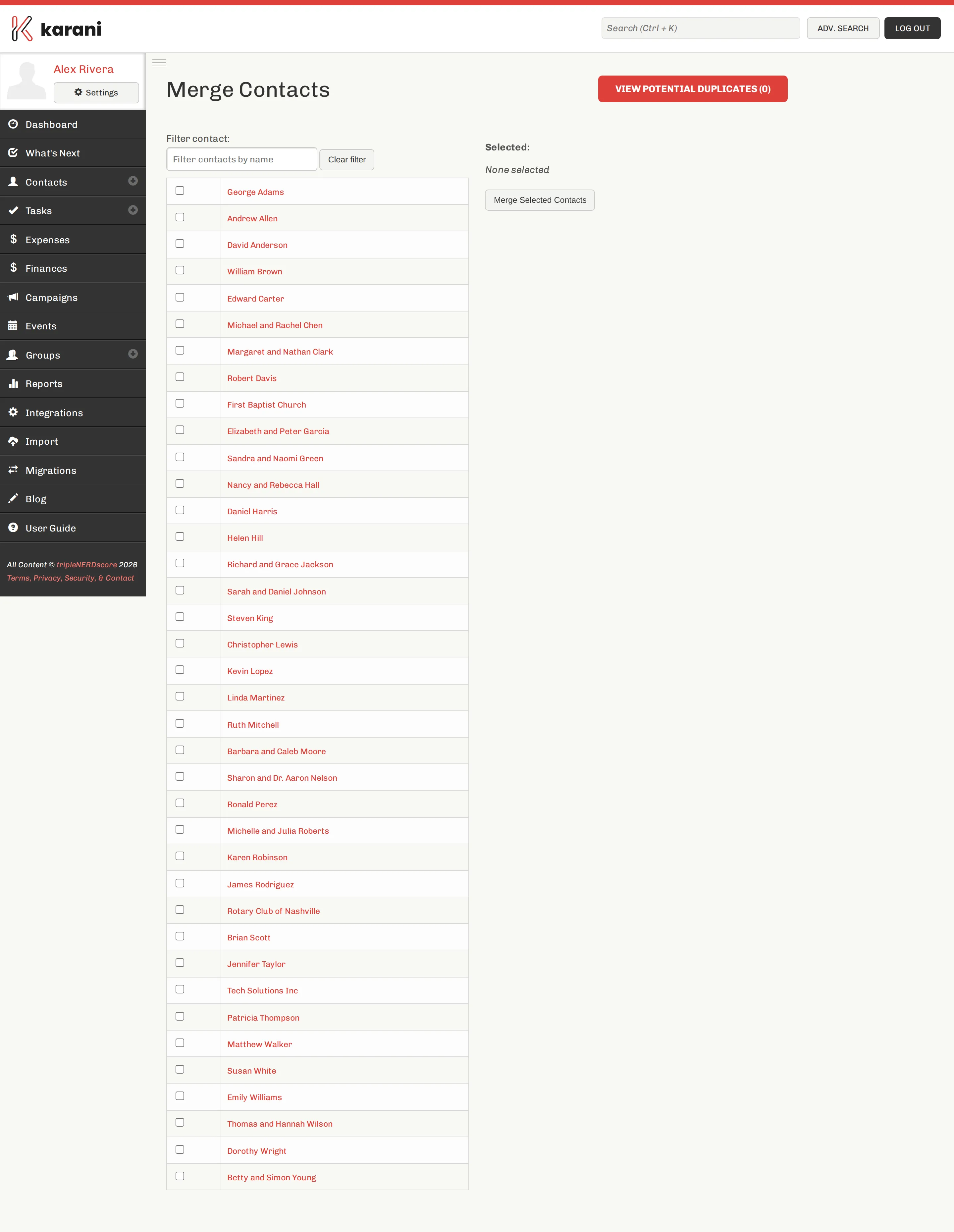
Section titled “Merging two contacts”You can also start from Merge Contacts at the top of the contacts list.
-
Choose the two contacts.
-
Choose which record to keep. The other is merged into it.
-
Review the fields. Where the two records disagree, pick the value you want on the surviving contact.
-
Confirm the merge.
What happens to the data
Section titled “What happens to the data”Merging is additive for history and selective for fields.
Combined onto the surviving contact:
- All gifts from both records
- All pledges from both records
- All tasks and interactions from both records
- All group memberships from both records
- All tags from both records
- Additional emails, phones, and addresses
Chosen by you: the single-value fields — name, status, greeting, primary address, notes, organisation ID.
Preventing duplicates in the first place
Section titled “Preventing duplicates in the first place”Nearly all duplicates come from imports. One habit prevents nearly all of them:
Set an organisation ID on every contact. Karani matches import rows to existing contacts by organisation ID. With it, re-importing updates the contact you already have. Without it, matching falls back to name — and “Bob Smith” vs. “Robert Smith” becomes two people.
If your organisation doesn’t issue donor IDs, use the email address. See Bringing your data in.
Beyond that:
- Search before adding someone by hand. Ctrl K, type three letters.
- Use family members for spouses rather than a second contact.
- Run the potential duplicates report after any large import.