

Your profile
Your profile holds the things that belong to you as a person rather than to any particular account.
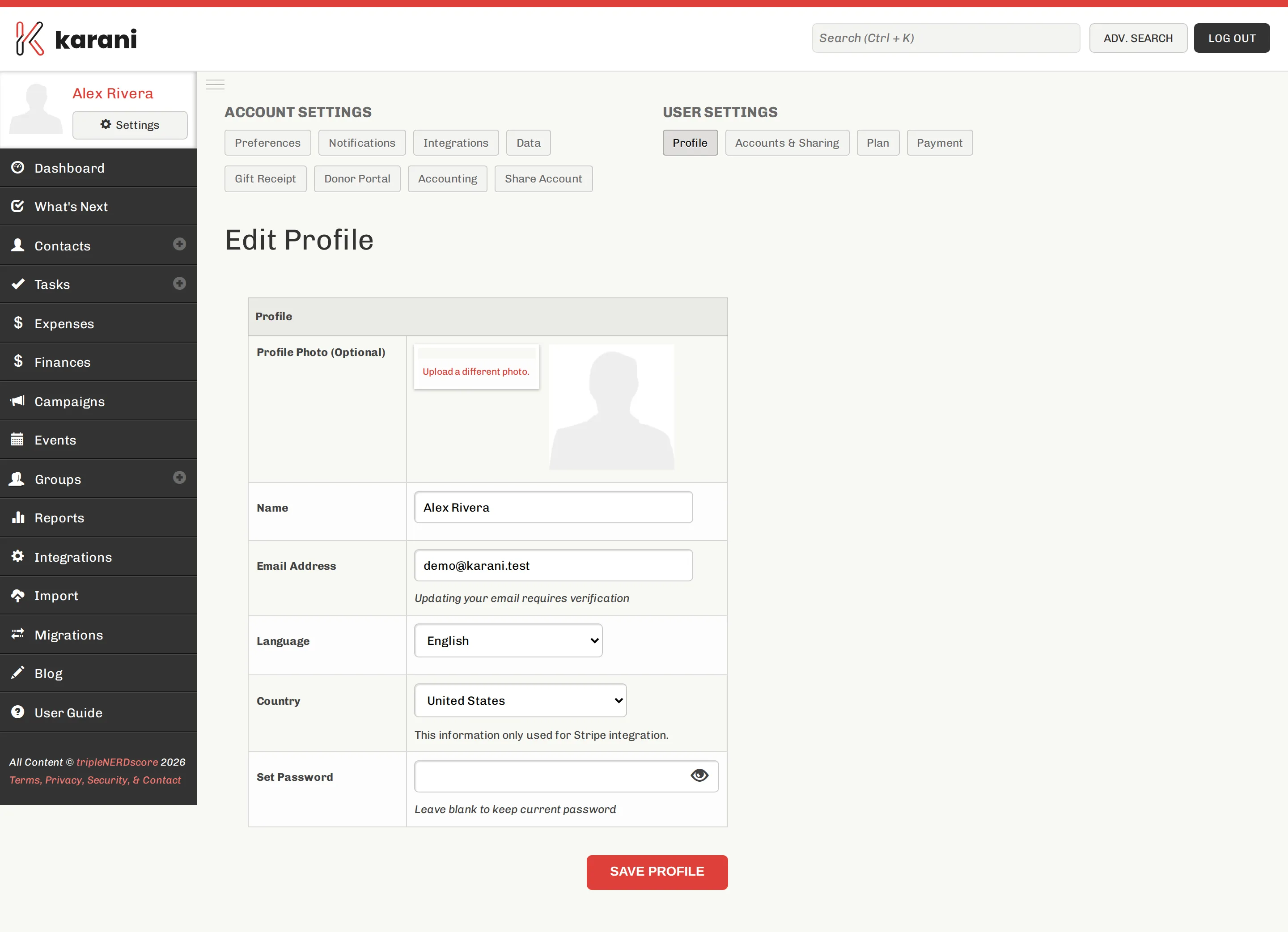
Go to Settings → Profile, or karani.co/user/profile.
What’s here
Section titled “What’s here”- Name — how you appear in Karani, and on emails you send
- Email address — your sign-in identity and where Karani writes to you
- Password
Click Save profile when you’re done.
Changing your password
Section titled “Changing your password”Enter a new password on this page and save. You don’t need a reset link if you’re already signed in.
If you can’t sign in, use Resetting your password instead.
Changing your email address
Section titled “Changing your email address”Change it here and save. Your new address becomes your sign-in identity.
Your name on outgoing email
Section titled “Your name on outgoing email”The name here appears on email you send through Karani, and on donor portal communications. Worth getting right — donors see it.
Profile vs. account settings
Section titled “Profile vs. account settings”This page is you. Your goals, fiscal year, and receipts belong to the account — see Account overview.
If you have more than one account, this profile is the same across all of them.